 Skip to content

Beyond spreadsheets, most small businesses don’t break all at once. They get slower. A new hire sits in email limbo because nobody knows who owns onboarding. PTO lives in a shared sheet that no one fully trusts. Payroll still runs, but every promotion, reimbursement, benefits change, and termination creates cleanup work in both HR and bookkeeping.
That’s the point where “good enough” stops being good enough.
A lot of service businesses start with payroll first, then bolt on HR tasks wherever they fit. That works for a while. Then the cracks show up in duplicate entries, unclear approvals, and month-end questions your bookkeeper or CPA shouldn’t have to reverse engineer. If your stack already centers on QuickBooks or Gusto, the best hr software for small business isn’t just the tool with the longest feature list. It’s the one that gives you a clean source of truth for people data and pushes the right information into payroll and the general ledger without extra handling.
That’s also why broad “top 10” lists often miss the actual decision. They’ll tell you a platform integrates with accounting. They usually won’t tell you how to treat compensation changes, PTO, benefits deductions, contractor payments, and terminations when payroll and books already sit in QuickBooks or Gusto. That gap is common in vendor roundups, including Zapier’s HR software overview.
Adoption has moved well beyond early-stage experimentation. An estimated 3.2 million SMBs in the United States use cloud-based HR software, which tells you this is now standard back-office infrastructure, not a nice-to-have.
If you’re comparing options right now, start with the systems that fit small business operating reality. If you also want an adjacent startup-focused roundup, see these top HR platforms for startups.
1. Gusto
A common small-service-business scenario looks like this: payroll is running, the team is growing, onboarding lives across email and PDFs, and the owner wants fewer handoffs between HR admin and bookkeeping. Gusto is often the first system that cleans that up without creating a large implementation burden.
It works best for companies that want payroll to stay at the center of the process. Hiring documents, employee onboarding, benefits enrollment, PTO tracking, and tax filings sit close to payroll instead of in a separate HR layer. For firms already closing the books in QuickBooks each month, that matters. Clean payroll data only helps if the mapping into the ledger is set up correctly from day one.
Gusto’s current pricing page is the right place to confirm plan costs because the tiers change over time. In practice, the appeal is less about headline pricing and more about time saved. Owners and office managers can usually learn the system quickly, and the employee experience is simple enough that basic self-service does not turn into a support project.
Where Gusto works best
Gusto is a strong fit when a business needs one system to handle payroll and the core HR tasks that surround it. That is especially true for domestic service businesses with straightforward departments, standard pay practices, and a small admin team.
What tends to work well:
- Fast time to value: Setup is manageable for a small team, especially if payroll policies are already defined.
- Payroll-first design: Onboarding, e-signatures, deductions, and benefits all tie back to payroll in a way that makes day-to-day administration easier.
- Good fit with bookkeeping workflows: If your accounting stack already relies on QuickBooks, Gusto can support a cleaner close once payroll categories, classes, and liability accounts are mapped correctly. If you need help setting that up, this guide to HR support for small businesses covers the operating side.
The trade-offs are real.
Gusto can start to feel narrow once a company wants formal performance processes, layered approvals, more detailed org controls, or more complex multi-entity administration. It also rewards clean setup. If departments, earnings types, contractor payments, benefits deductions, and reimbursement codes are not structured properly at implementation, the accounting handoff gets messy and month-end review takes longer than it should.
My practical rule is simple: choose Gusto when payroll accuracy, ease of use, and a clean QuickBooks sync matter more than advanced HR architecture. For many small service businesses, that is the right call for a long stretch.
2. BambooHR
A common inflection point for a service business looks like this: payroll runs on time, but employee data lives in too many places. Offer letters sit in email, review notes live in managers’ folders, policy acknowledgments are hard to verify, and basic reporting takes more effort than it should. That is usually when BambooHR starts to make sense.
BambooHR is a better fit for companies that need an HR system of record, not just a payroll tool. It gives growing teams a cleaner structure for employee files, onboarding tasks, approvals, time-off administration, and performance processes. For firms with more managers, more documentation, and more accountability around people operations, that added structure matters.
Pricing is custom, not self-serve, so buyers usually need a quote to compare total cost. PCMag notes that BambooHR uses quote-based pricing in its BambooHR review. In practice, that means owners should evaluate more than subscription cost. The key question is whether better process control saves enough admin time and reduces enough cleanup work to justify the spend.
Why teams choose it
BambooHR tends to win when HR administration has become its own function. Managers get a central place to track onboarding progress, maintain employee records, document reviews, and confirm policy sign-offs without relying on payroll reports or shared spreadsheets.
TechnologyAdvice highlights BambooHR as a strong small-business option in its small business HR software review. That tracks with what I see in service firms that have outgrown lightweight tools but are not ready for a more complex platform.
The trade-offs are practical:
- Better HR controls: Stronger for employee records, approval paths, and manager accountability than payroll-first systems.
- Payroll may stay elsewhere: If your team already runs payroll through Gusto or another provider, BambooHR often works best as the HR hub, not the payroll owner.
- Implementation needs field-level decisions: If BambooHR, Gusto, and QuickBooks all sit in the stack, decide upfront where job title, department, compensation changes, PTO balances, and termination dates are maintained.
That last point matters more than many owners expect.
For a service business, poor system ownership creates rework at month-end. If HR updates a department in BambooHR but payroll maps it differently in Gusto, the payroll sync into QuickBooks will not support clean reporting by team, location, or service line. Good implementation avoids that by assigning one system as the source of truth for each key field and testing the handoff before the first live payroll.
BambooHR is often a strong choice for firms that want a more disciplined people operation while keeping bookkeeping and payroll clean. If your team needs help setting those ownership rules and aligning HR workflows with payroll and accounting, this kind of rollout benefits from HR support for small businesses.
Choose BambooHR when your bigger problem is process consistency across hiring, documentation, approvals, and manager accountability, not payroll execution alone.
3. Rippling
A common breaking point for service businesses looks like this. Payroll runs in Gusto, the books sit in QuickBooks, and employee changes still move through email, spreadsheets, and manager memory. One title change gets updated in payroll but not in app access. A termination hits HR, but nobody shuts off the software stack until days later. Rippling is built for that kind of operational sprawl.
Its value is less about basic recordkeeping and more about controlling what happens after an employee event. Hiring, promotions, pay changes, location updates, and offboarding can trigger connected actions across HR, payroll, benefits, and IT. For firms with distributed staff, client-facing teams, and a growing app stack, that can remove a lot of clerical follow-up.
Where Rippling stands out
From an implementation standpoint, Rippling is strongest when the business has already outgrown simple payroll administration. If your firm needs each employee change to flow into permissions, approvals, and documentation without someone re-entering data three times, Rippling deserves a close look. PCMag’s review of Rippling highlights that broader workforce-management approach, especially the way HR and IT administration sit in one system.
For a bookkeeping-focused service business, the key question is stack design. Rippling can do a lot, but that does not mean it should own every function. In many client environments, the best setup is to decide early whether Rippling will replace Gusto for payroll or sit beside it for HR and workflow control. That choice affects how compensation changes, department coding, and onboarding data reach QuickBooks.
What works:
- Strong workflow automation: Good fit for businesses trying to reduce manual handoffs across hiring, payroll changes, and offboarding.
- Useful as complexity grows: Better suited than entry-level tools when the team spans states, worker types, managers, and software systems.
- HR and IT in one platform: Helpful when onboarding also includes email, software access, device tracking, and termination controls.
What to watch:
- Implementation takes real planning: Field ownership, approval logic, and payroll sync rules should be mapped before launch.
- Pricing is modular and quote-based: Total cost depends on which products you add, so budgeting is less straightforward.
- It can be more system than a very small office needs: A 10-person firm with one administrator and simple payroll may not get full value from the setup effort.
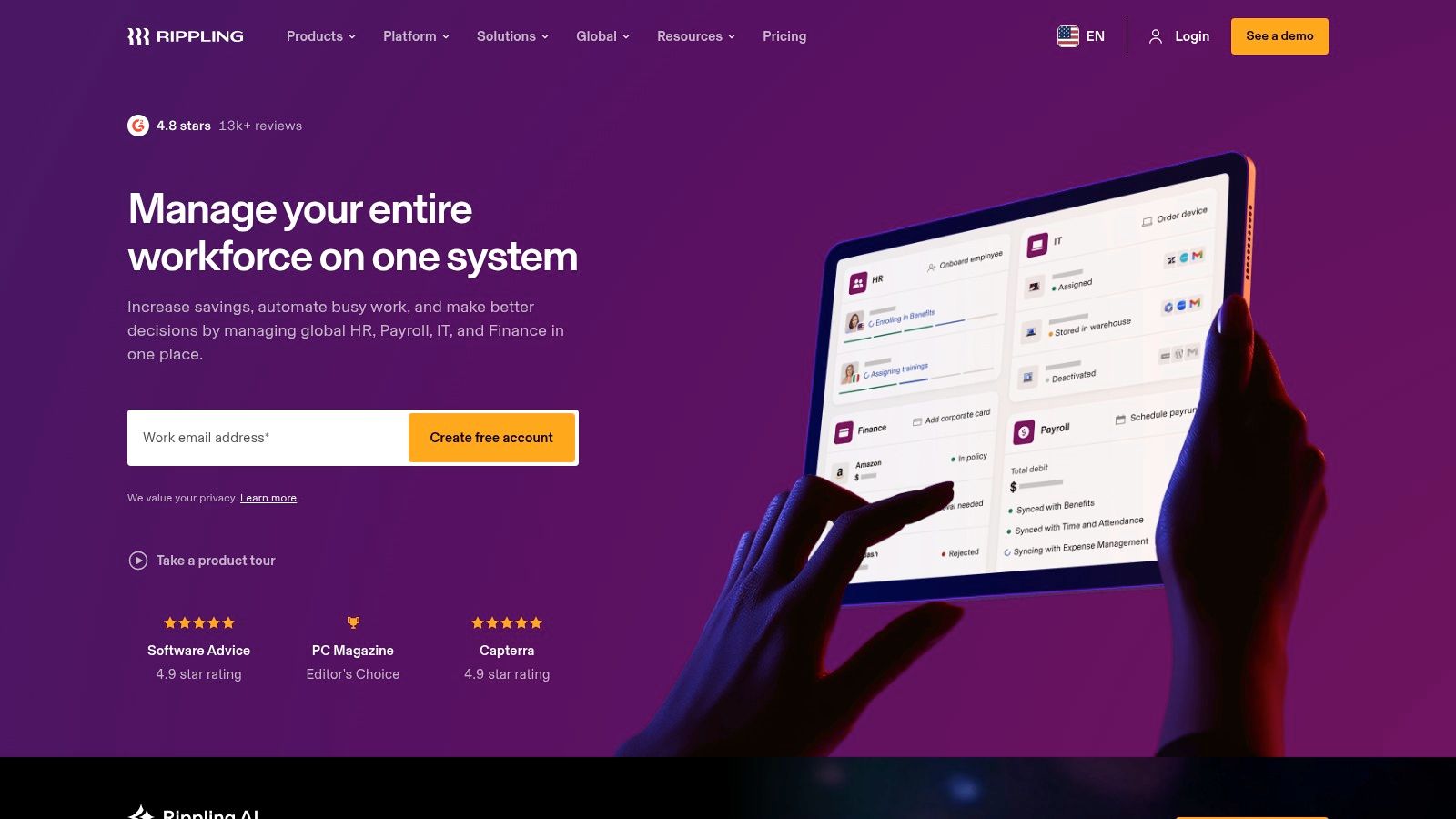
Rippling is usually the right pick when employee changes create downstream accounting and control problems, not just HR paperwork. If your team wants cleaner execution between people operations, payroll, and the systems around them, it can be a strong platform. If the main need is straightforward payroll and basic HR, a lighter tool is often the better financial decision.
4. RUN Powered by ADP
RUN Powered by ADP is what I’d call a conservative, compliance-forward pick. It’s not always the flashiest interface in the category, but small businesses choose ADP because payroll accuracy, tax handling, and multi-state support carry real weight once the business gets more exposed.
If your team has employees across jurisdictions, frequent payroll changes, or a low tolerance for filing errors, ADP deserves a serious look. It’s especially strong for owners who want a vendor with broad support infrastructure and a long operating history in payroll.
Why ADP keeps making the shortlist
ADP’s all-in-one approach combines HR, payroll, benefits, and compliance tools with real-time sync and automated tax filing, as outlined in ADP’s overview of HRIS software for small businesses. For firms under 50 employees, the source also describes meaningful reductions in administrative burden when these workflows are centralized.
From a practitioner standpoint, the main advantage is risk control. If payroll mistakes would hit employee trust, owner time, and bookkeeping cleanup all at once, ADP’s structure is appealing.
The trade-offs
RUN works well when payroll is high stakes. It’s less attractive when you want transparent self-serve pricing and a lightweight, modern feel from day one.
Consider the practical balance:
- Strong fit for multi-state payroll: Better than many lighter tools once compliance complexity rises.
- Good marketplace and support access: Helpful if you’ll need add-ons or outside services.
- Pricing takes work to understand: Quote-based packaging can make apples-to-apples comparison harder.
- Advanced HR may require more modules: You can end up assembling the full solution over time.
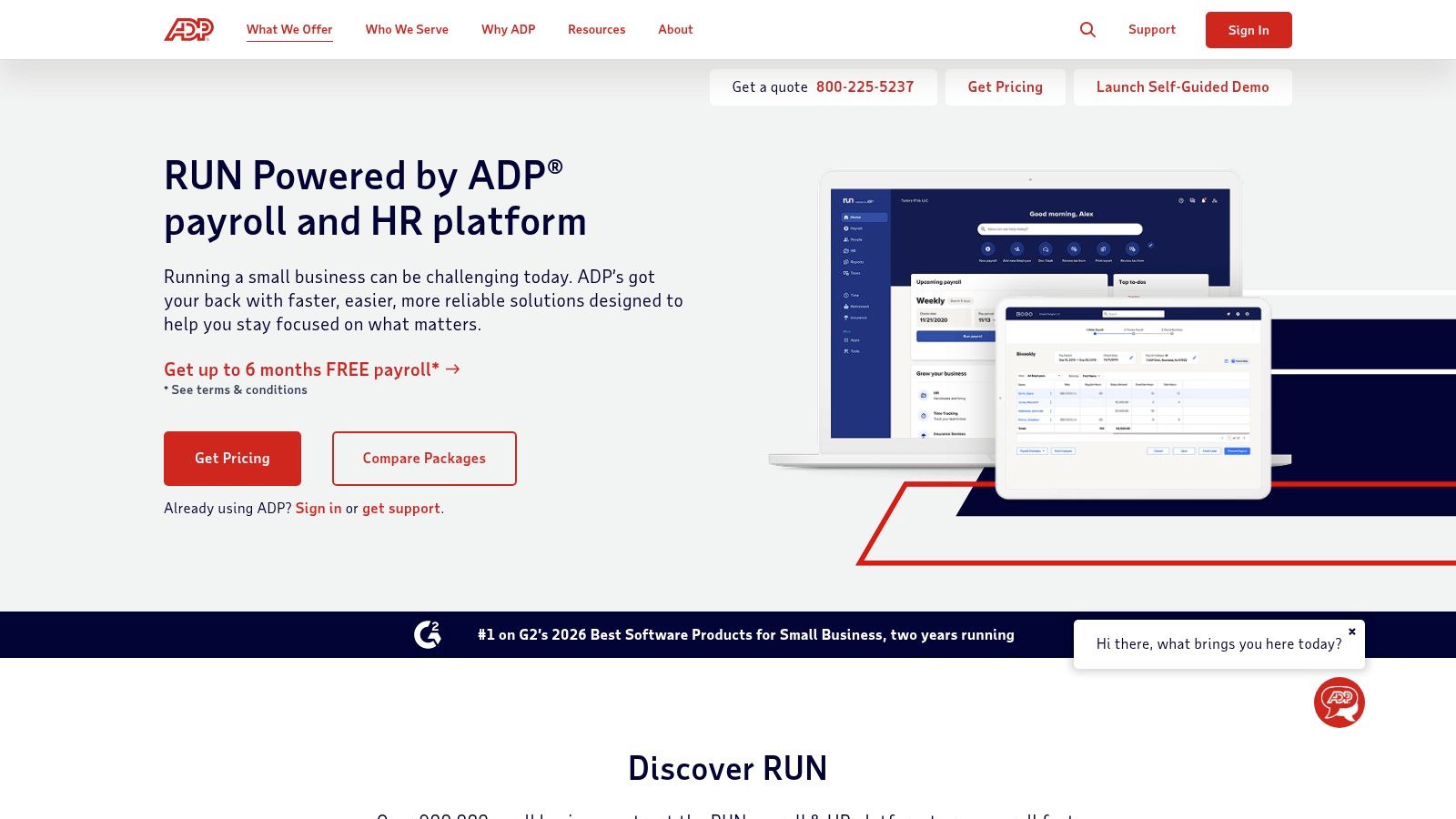
If you’re running a service business in more than one state, ADP usually makes more sense when your first concern is compliance reliability, not UI elegance.
5. Paychex Flex
Paychex Flex is payroll-first, but it’s more support-heavy than some small business tools. That’s the reason to consider it. If your business wants vendor help, compliance resources, and the option to bundle payroll, time, benefits, and advisory support under one roof, Paychex can be a solid fit.
Some owners don’t want to build their HR operating model from scratch. They want guidance, a support channel, and a platform that can carry more of the procedural burden. Paychex Flex is stronger in that environment than in do-everything-yourself environments.
Where it fits best
This is a practical choice for businesses that need structure and handholding more than elegant customization. It’s also useful when internal admin capacity is thin and you want one vendor relationship covering payroll and related HR functions.
What works well:
- Vendor-assisted setup: Better fit for teams that want more guidance.
- Compliance resources: Useful for owners who want a steadier procedural framework.
- Bundle potential: Payroll, time, benefits, and HR support can live under one relationship.
What to watch:
- Quote-based pricing: You’ll need to scope total cost carefully.
- More suite-like feel: Some teams will find it less intuitive than newer HR products.
- Not ideal for finance-led customization: If your accounting team wants a very specific event-to-GL design, you’ll need to validate how flexible the mapping really is.
Paychex often works best for businesses that want less experimentation and more vendor-led process. If your operation values support over product minimalism, it deserves a place on the shortlist.
6. Justworks
Justworks is different because the decision isn’t only software. It’s also operating model. If you choose its PEO route, you’re choosing more support and broader benefits access, but you’re also accepting the administrative reality of co-employment.
That can be an excellent trade in the right business. It can also be more change than an owner expects if they think they’re buying another payroll app.
Why businesses choose Justworks
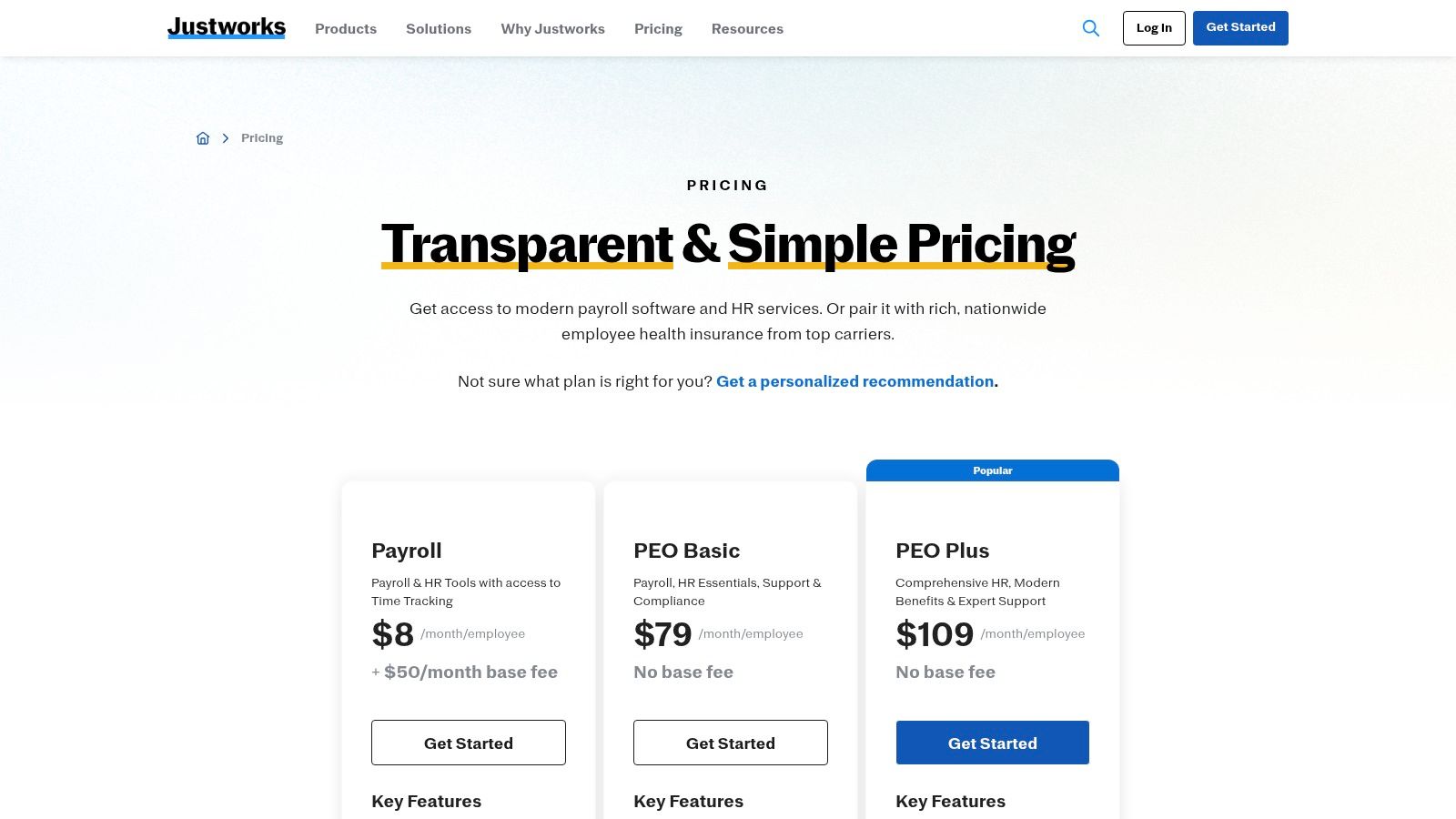
Lean teams often pick Justworks when they want HR help and benefits strength without building a larger internal HR function. The platform also keeps pricing more visible than many quote-only vendors, which helps during evaluation.
This option makes the most sense when:
- Benefits competitiveness matters: Small teams that need stronger benefits access often look at the PEO model.
- Internal HR is light: If nobody in-house wants to become the compliance point person, outside support becomes more valuable.
- You want clear support pathways: The product is built around service as much as software.
The real trade-off
The cost structure can be higher than a DIY payroll setup, and co-employment requires internal education. Owners, managers, and even bookkeepers need to understand who handles what after the change.
That’s why I usually frame Justworks as a strategic simplification tool, not just a software buy. If your team is trying to reduce compliance burden and improve benefits administration, it’s worth considering. If you mainly want better payroll sync into QuickBooks, there are simpler options.
For firms thinking through employee policies and support obligations alongside platform selection, that work often overlaps with HR compliance support for small business.
7. QuickBooks Payroll Online
QuickBooks Payroll is the finance-first choice on this list. If your business already lives in QuickBooks Online, and your priority is clean payroll posting, fewer reconciliation headaches, and minimal system sprawl, it’s hard to ignore.
This is not the richest HRIS in the category. That’s the main limit. But many service businesses don’t need a rich HRIS on day one. They need payroll to run cleanly and hit the books correctly.
Why accountants and owners keep using it
The obvious advantage is accounting proximity. Payroll sits close to the ledger, which usually reduces confusion around wage expense, tax liabilities, and month-end payroll review.
This is a strong option when:
- QuickBooks is already the financial core: You avoid extra middleware and duplicate setup.
- The business is finance-led: Owners and outside accountants often prefer the familiar ecosystem.
- HR needs are still basic: Payroll, tax handling, and straightforward employee administration matter more than formal talent processes.
What doesn’t work as well:
- Limited deeper HR functions: Performance reviews, structured workflows, and more advanced employee lifecycle tools aren’t the platform’s strength.
- Feature depth may depend on tier: Some support and time functionality lives higher up the stack.
For many small service businesses, QuickBooks Payroll is the right answer if the back office is still being built around accounting discipline first. Just be honest about whether you’re buying payroll software or actual HR software. Those aren’t the same thing.
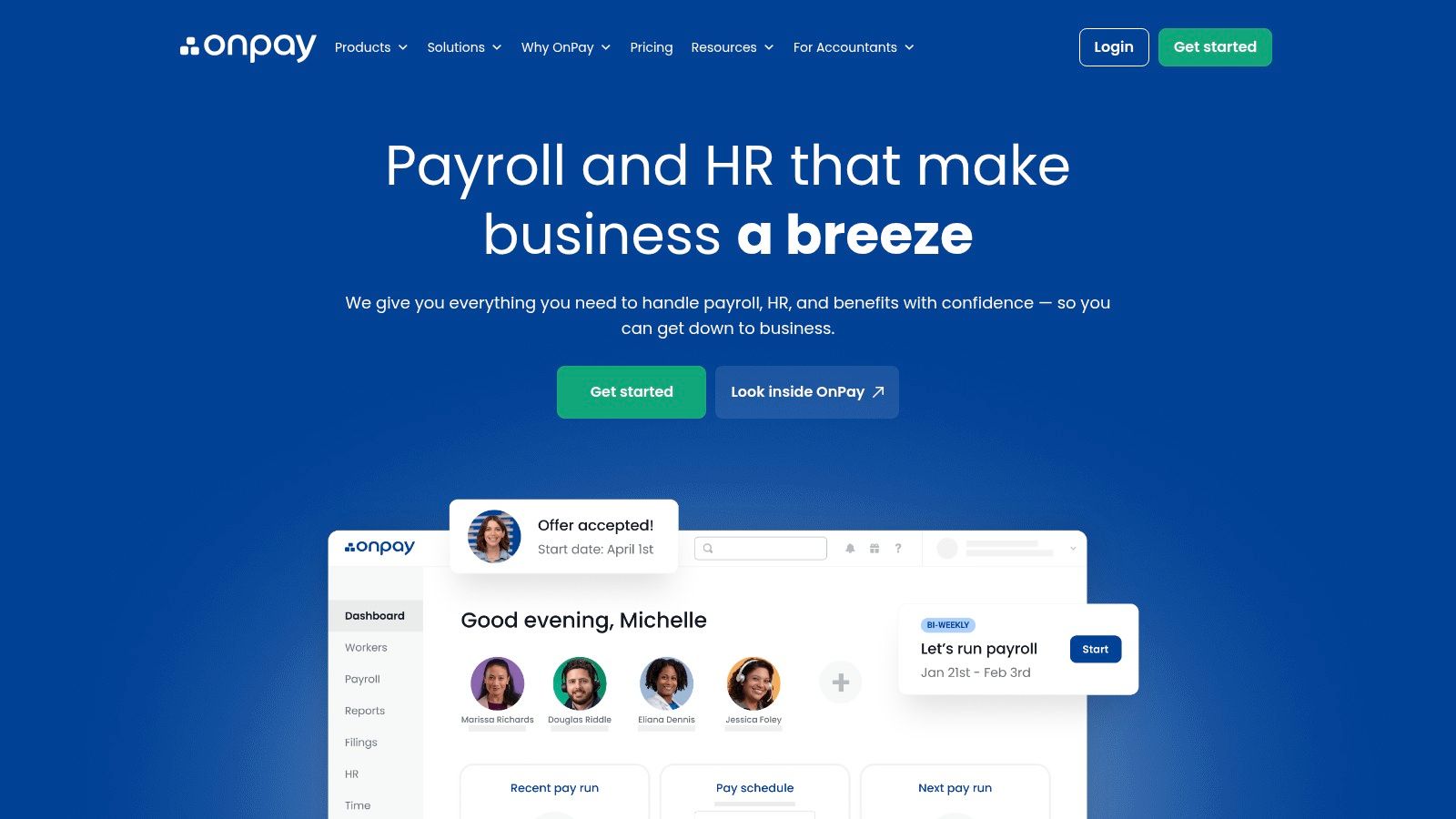
8. OnPay
OnPay wins on clarity. That sounds small until you’ve compared enough payroll software proposals to know it isn’t. For owners who want straightforward pricing, solid payroll coverage, and built-in HR basics without a drawn-out sales cycle, OnPay is refreshingly direct.
It’s especially attractive for smaller teams that need strong payroll fundamentals without paying for a broad platform they won’t fully use. The system covers onboarding basics, PTO tools, e-signatures, and benefits connections, but it doesn’t pretend to be a heavy people-ops suite.
Where OnPay is strong
The biggest strength is value without too much compromise. You get payroll, onboarding support, and accountant-friendly functionality in a package that’s easier to evaluate than many quote-based alternatives.
What works:
- Straightforward pricing philosophy: Easier to budget and compare.
- Good for multi-state small teams: Practical payroll fit without enterprise overhead.
- Accountant-friendly setup: Useful when books and payroll need to stay aligned.
What doesn’t:
- Shallower HR depth: It won’t replace a true HRIS for more advanced performance or workflow needs.
- Smaller ecosystem: Integration options are not as broad as the largest platforms.
OnPay is often the right call when the business wants to get organized without turning HR software selection into a quarter-long project.
If you’re comparing the best hr software for small business from a service-business lens, OnPay belongs in the “sensible and efficient” category. It won’t impress buyers chasing every module. It often satisfies buyers who care more about operational sanity.
9. Homebase
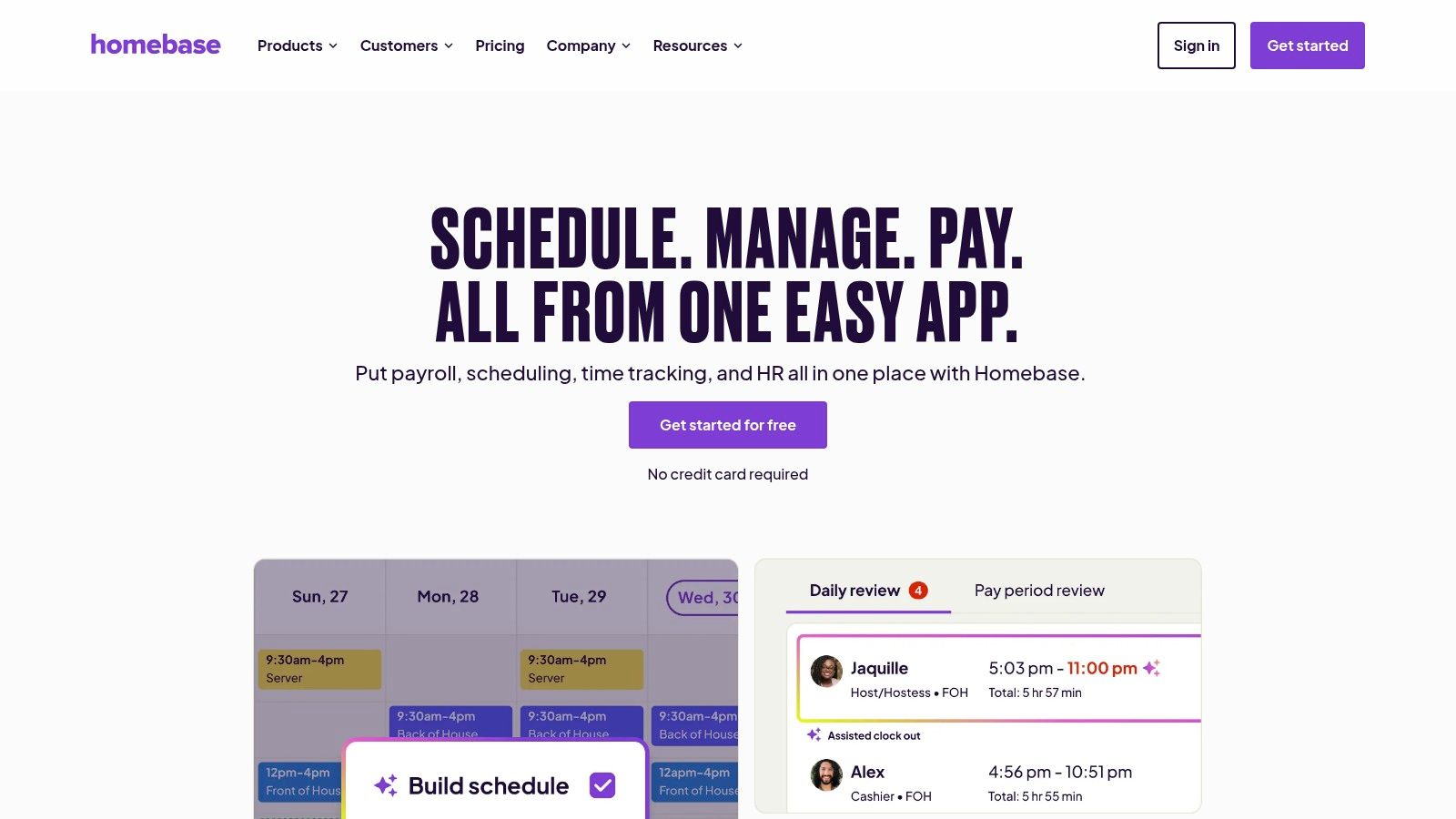
Homebase is the specialist on this list. It’s built for hourly teams, shift scheduling, time tracking, and frontline communication. If you run a restaurant, retail operation, or field-service team, that focus is useful. If you run a professional services firm with salaried staff, it’s usually not the right center of gravity.
That distinction matters because many business owners shop HR tools without separating workforce type from software type. Homebase is workforce-operations software first. HR comes behind that.
Best use case
This platform works when labor scheduling is the operational problem. If attendance, shift swaps, mobile clock-in, and timesheet-to-payroll flow are causing friction, Homebase can solve a very real pain point quickly.
Where it performs well:
- Frontline adoption: Hourly staff can use it without much training.
- Scheduling and time focus: Better than general HR platforms for shift-heavy environments.
- Payroll linkage when added: Helpful if labor hours need to move cleanly into payroll.
Its limitations are clear:
- Not a complete HRIS: It won’t give you robust compensation planning or broad people analytics.
- Benefits and deeper HR stay elsewhere: You may still need a separate core HR or payroll system depending on your setup.
For service SMBs with a physical, hourly workforce, Homebase can be the operational layer that general HR software never quite nails. For white-collar service firms, I’d usually look elsewhere.
10. Zoho People
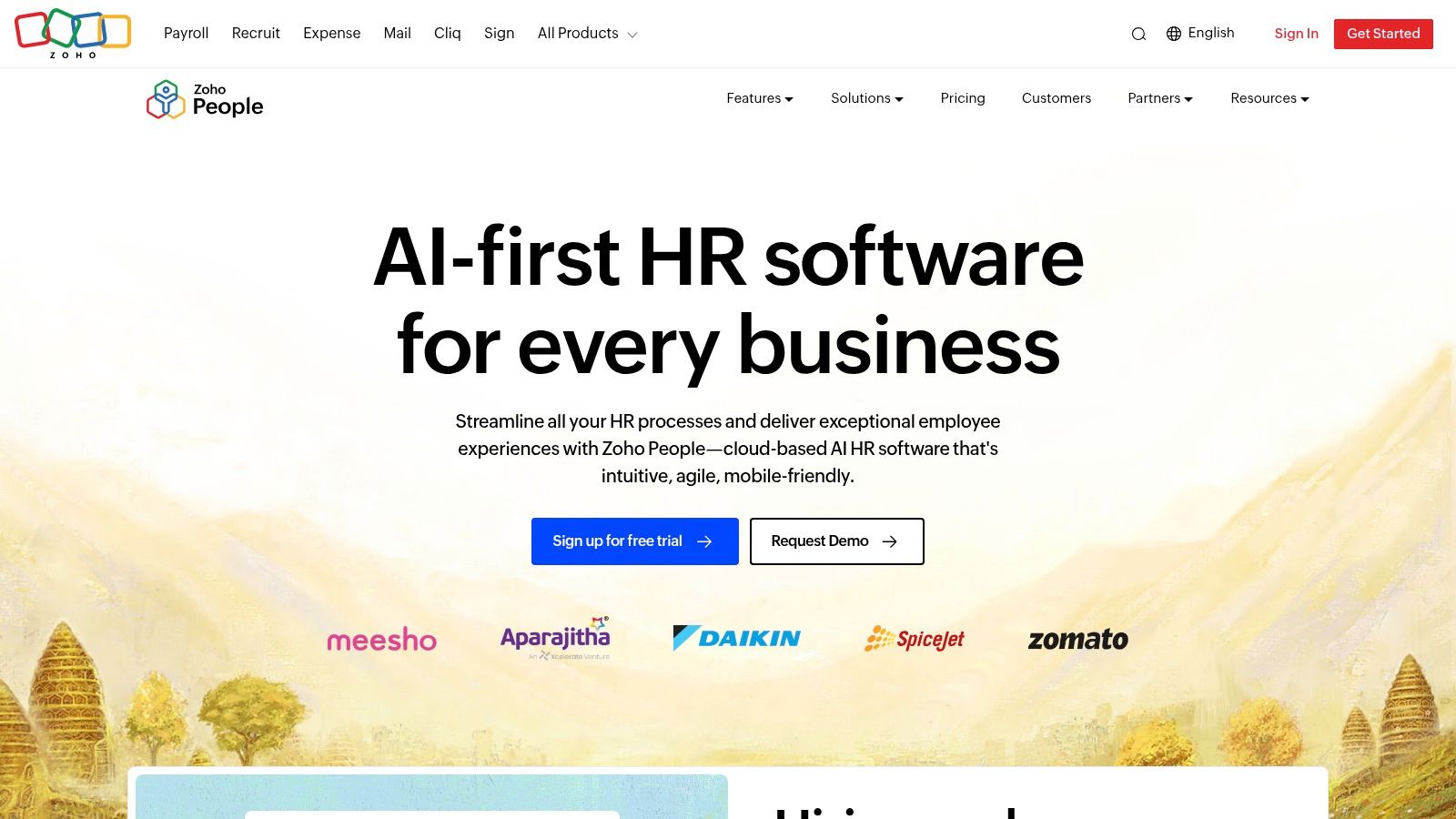
Zoho People is the budget-conscious HRIS choice for teams that want process before they want payroll. It gives you employee records, approvals, PTO, attendance, performance tools, and help-desk style HR workflows in a modular system that can be shaped around your process.
That flexibility is both the appeal and the warning. Zoho People can do a lot for the price profile, but it asks for more configuration discipline than simpler small business tools.
Where Zoho People makes sense
This is a good fit for a small business that already has payroll elsewhere and wants to mature HR operations without buying an expensive suite. It’s also practical for teams already using other Zoho apps or wanting a configurable layer that can connect to QuickBooks.
What works well:
- Strong value orientation: Good stepping stone from manual processes to formal HR workflows.
- Configurable approvals and records: Useful if your team has unusual process needs.
- Works with external payroll: Helpful when you don’t want to replace an existing payroll engine yet.
What to watch:
- No native U.S. payroll center: You’ll need another system for payroll execution.
- Heavier admin setup: Someone has to own configuration quality, or the flexibility becomes clutter.
For a small business with a finance stack already in place and a need to formalize HR intake, approvals, and documentation, Zoho People can be a smart choice. I wouldn’t start here if your biggest problem is payroll tax execution. I would start here if your problem is that employee information and requests are scattered across inboxes, forms, and spreadsheets.
Top 10 Small-Business HR Software Comparison
| Platform | ✨ Core features | ★ UX & quality | 💰 Pricing / value | 👥 Best for | 🏆 Standout |
|---|---|---|---|---|---|
| Gusto | Full-service payroll, onboarding, benefits, time sync | ★★★★☆ Clean, easy setup & strong integrations | 💰 Transparent plans; add-ons for advanced HR | 👥 SMBs / owner-operators, service businesses | 🏆 Best all-in-one payroll + benefits for SMBs |
| BambooHR | HRIS: core records, ATS, performance, reports | ★★★★☆ Modern UX; easy rollout | 💰 Tiered pricing + payroll as add-on | 👥 Growing teams needing core HR depth | 🏆 Strong core HR and reporting |
| Rippling | HRIS + payroll + IT/device automation (global) | ★★★★☆ Powerful but more config up front | 💰 Quote-based; modular cost varies | 👥 Multi-state/multi-country teams, scale-ups | 🏆 Automation across HR + IT |
| RUN (ADP) | Full payroll, tax filings, benefits, marketplace | ★★★★ Robust, enterprise-grade compliance | 💰 Quote-based; can rise with add-ons | 👥 SMBs needing strong compliance & local support | 🏆 Enterprise-level tax & compliance |
| Paychex Flex | Payroll-first HCM, time, benefits, HR advisory | ★★★★ Solid support; traditional suite feel | 💰 Quote-based; bundles available | 👥 SMBs wanting vendor-assisted setup/support | 🏆 Hands-on compliance & advisory |
| Justworks | Payroll, PEO option, onboarding, HR consulting | ★★★★☆ Simple UX; strong support | 💰 Published pricing; PEO = higher per-employee | 👥 Lean HR teams seeking PEO benefits | 🏆 Transparent pricing + PEO benefits access |
| QuickBooks Payroll (Online) | Automated payroll, tax filings, QBO sync, time | ★★★★☆ Familiar Intuit experience for accountants | 💰 Clear tiers; higher tiers for multi-state | 👥 Finance-first SMBs on QuickBooks | 🏆 Best-in-class accounting integration |
| OnPay | Full payroll (50 states), benefits brokerage, onboarding | ★★★★☆ Simple UI; strong support & migrations | 💰 Flat, clear pricing; excellent value | 👥 Small businesses & multi-state payroll needs | 🏆 Clear pricing + value for multi-state payroll |
| Homebase | Scheduling, time clocks, messaging, optional payroll | ★★★★ Easy adoption; frontline-focused | 💰 Free tier + affordable paid plans | 👥 Hourly / shift-based service SMBs (restaurants, retail) | 🏆 Best for scheduling & time for frontline teams |
| Zoho People | Core HR, time/attendance, performance, help desk | ★★★★ Configurable; can require admin setup | 💰 Budget-friendly; free up to 5 users | 👥 Very small teams / budget-conscious businesses | 🏆 Highly configurable low-cost HRIS |
Making Your HR Tech a Strategic Growth Engine
The right HR platform doesn’t just reduce admin work. It changes how a small business operates. When employee data sits in one reliable system, onboarding gets cleaner, payroll gets more predictable, and your bookkeeping team spends less time fixing downstream errors from missing or inconsistent information.
That’s the core value. Most owners start shopping for HR software because something hurts. Payroll takes too long. Time-off tracking is messy. New-hire paperwork lives in too many places. Benefits changes don’t make it into payroll cleanly. The temptation is to buy the tool with the broadest feature set and assume the software will sort it out.
It won’t.
The best hr software for small business is the platform that matches your operating model and your financial stack. If you run in QuickBooks Online and want payroll to post cleanly with minimal reconciliation work, a finance-first option may be enough. If your team is adding managers, formal reviews, structured onboarding, and more policy control, a stronger HRIS may be the better investment. If you need more support, stronger benefits access, or more compliance help, a PEO or advisor-backed platform may be the smarter path.
From a practitioner’s point of view, the implementation decision matters as much as the product decision. The software has to answer a few basic questions clearly:
- Which system owns employee master data: Don’t let the same job title, pay rate, or work location be maintained in multiple places without clear rules.
- Which events trigger payroll changes: Promotions, bonuses, PTO policy changes, and terminations need a defined workflow before they become accounting cleanup.
- How payroll maps into the books: Wage expense, employer taxes, benefits, reimbursements, and contractor payments need clean posting logic.
- Who reviews exceptions: Someone has to own unusual items before payroll closes and month-end begins.
Those details rarely show up in vendor demos, but they determine whether the system works in practice after go-live.
One reason this matters now is that HR software is already mainstream infrastructure for SMBs. Millions of businesses have adopted cloud HR platforms, and the category keeps expanding with more automation, analytics, and workflow depth. The shift is real. The decision is no longer whether to use modern HR software. It’s how to choose a system that won’t create new back-office friction while solving old problems.
For many service businesses, the most effective setup isn’t “one tool does everything.” It’s a deliberate stack. A payroll engine like Gusto or QuickBooks Payroll may remain the execution layer, while a stronger HR system handles employee records, approvals, and performance processes. In other businesses, one platform is enough, at least for the current stage. The right answer depends on complexity, not vendor hype.
Your HR platform should make payroll and bookkeeping easier. If it creates more manual reconciliation, the setup is wrong even if the software is good.
Good HR software also gives owners room to work on better questions. Once the administrative clutter is under control, you can focus on compensation structure, manager accountability, retention patterns, hiring discipline, and employee experience. That’s where software turns into strategy.
Benefits planning often sits right in the middle of that shift. If you’re refining your hiring package along with your HR stack, review these ideas for small business benefits packages.
If you need a partner to connect the software decision to real payroll, reporting, and people operations, Steingard Financial can help build that bridge. The goal isn’t just to install a tool. It’s to create a back office with accurate data, fewer handoff errors, and a process your team can sustain.
If your payroll, HR, and bookkeeping still feel disconnected, Steingard Financial can help you design a cleaner system around the tools you already use or guide you to a better-fit stack. From Gusto and QuickBooks payroll support to People Advisory, reporting, and workflow design, the team helps service businesses build a back office that runs accurately and grows with them.