 Skip to content
Create Winning Quotes Without Spending a Dime
You need to send a quote today. A prospect asked for pricing, you want the document to look polished, and you don’t want to spend your afternoon wrestling with a spreadsheet that someone will later have to re-enter into QuickBooks. That’s the moment when a free online quotation maker earns its keep.
The right tool does more than make a PDF look nice. It helps you standardize scope, keep item descriptions consistent, track approvals, and reduce the cleanup work that usually lands on the bookkeeping side later. That’s especially important for service businesses, where labor, retainers, phased work, and change requests make quote-to-invoice matching harder than it looks on the surface.
Free tools have come a long way. Browser-based business apps made instant quote creation, PDF export, and no-signup access practical for small businesses by the mid-2010s, which is a major reason these tools are now so easy to use (Taskip’s free quotation generator overview). If you work in a field operation business, this broader moving company quoting software guide is also worth reviewing.
What follows is a practical list, not a feature dump. I’m looking at each free online quotation maker through a bookkeeping lens: how easy it is to send a quote, how cleanly it converts to an invoice, and how much mess it might create in your back office.
1. Zoho Invoice
Zoho Invoice is one of the easiest recommendations for a service business that wants quoting and invoicing in the same system without adding a subscription right away. If your team sends estimates, waits for approval, then bills against accepted work, Zoho’s flow is straightforward and familiar.
It works well for consultants, agencies, home service operators, and small project-based firms that don’t need a separate quoting app. The biggest advantage is that accepted quotes can move directly into invoicing, which cuts down on rekeying and prevents line-item drift between sales and billing.
Why it works in a bookkeeping workflow
From a finance operations standpoint, the appeal is continuity. The same tool handles branded quotes, customer-facing approval, taxes, discounts, and invoice conversion. That usually means fewer version-control problems than a process built from PDFs, email threads, and manual invoice creation.
A clean estimate-to-invoice path also helps staff keep the distinction clear between a quote, an invoice, and a receipt. If your process still blurs those steps, this quick guide on the difference between invoice and receipt is a useful refresher.
Practical rule: If your quote lines don’t match your invoice lines, your revenue records get harder to review later.
The main trade-off is that Zoho Invoice is best when you stay within its intended scope. If you outgrow basic billing logic and want more advanced automation, subscription billing, or deeper operational workflows, you may end up moving into the broader Zoho stack.
Still, for a free online quotation maker tied to a reputable business platform, Zoho Invoice is one of the safer starting points.
2. Invoice Ninja
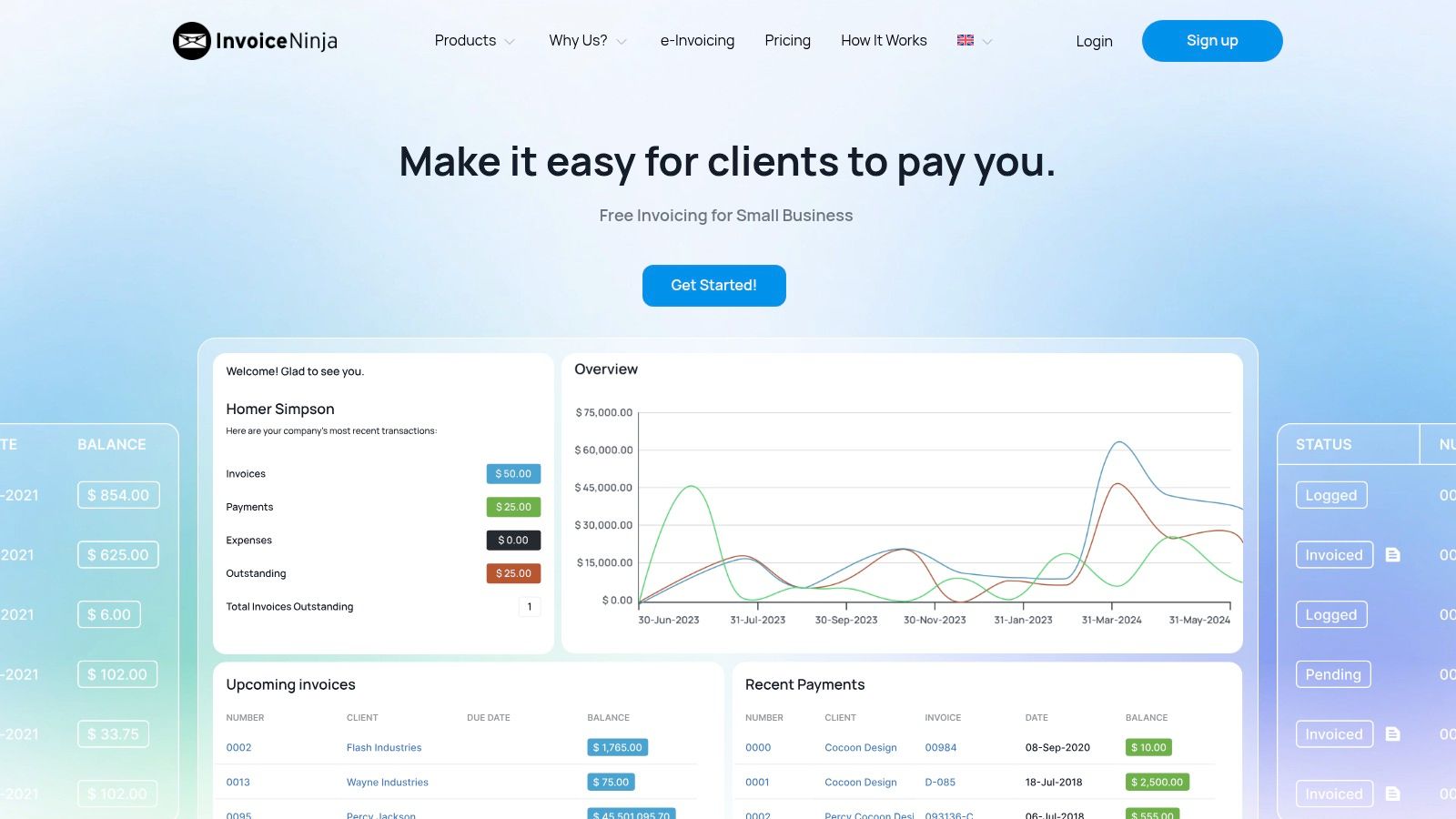
Invoice Ninja suits a different kind of operator. This is a strong pick if you want flexibility, online payments, and the option to self-host later instead of staying locked into one hosted environment forever.
That matters more than people think. Some service businesses start with simple quote sending, then discover they also want client portals, branded PDFs, payment links, and tighter control over where data lives. Invoice Ninja can support that path better than many lightweight tools.
Best fit and trade-offs
Its hosted free version is accessible enough for freelancers and small firms. The open-source route adds more control if you have technical help or a managed hosting partner. That combination is rare in this category.
A few points stand out:
- Approval-driven workflow: Quotes can move into invoices after client approval, which reduces duplicate setup.
- Client-facing convenience: PDFs, portal access, and payment links help speed handoff from sales to billing.
- Control option: Self-hosting appeals to businesses that care about ownership, customization, or internal IT policy.
The drawback is polish versus simplicity. Invoice Ninja can feel a little more operational than some plug-and-play quote tools, and the free hosted plan includes branding. If your brand presentation matters a lot in early-stage sales, that may bother you.
What I like from a bookkeeping angle is that Invoice Ninja encourages structured records rather than one-off quote documents. That’s usually the difference between a workable receivables process and a file-folder mess.
3. Invoicely
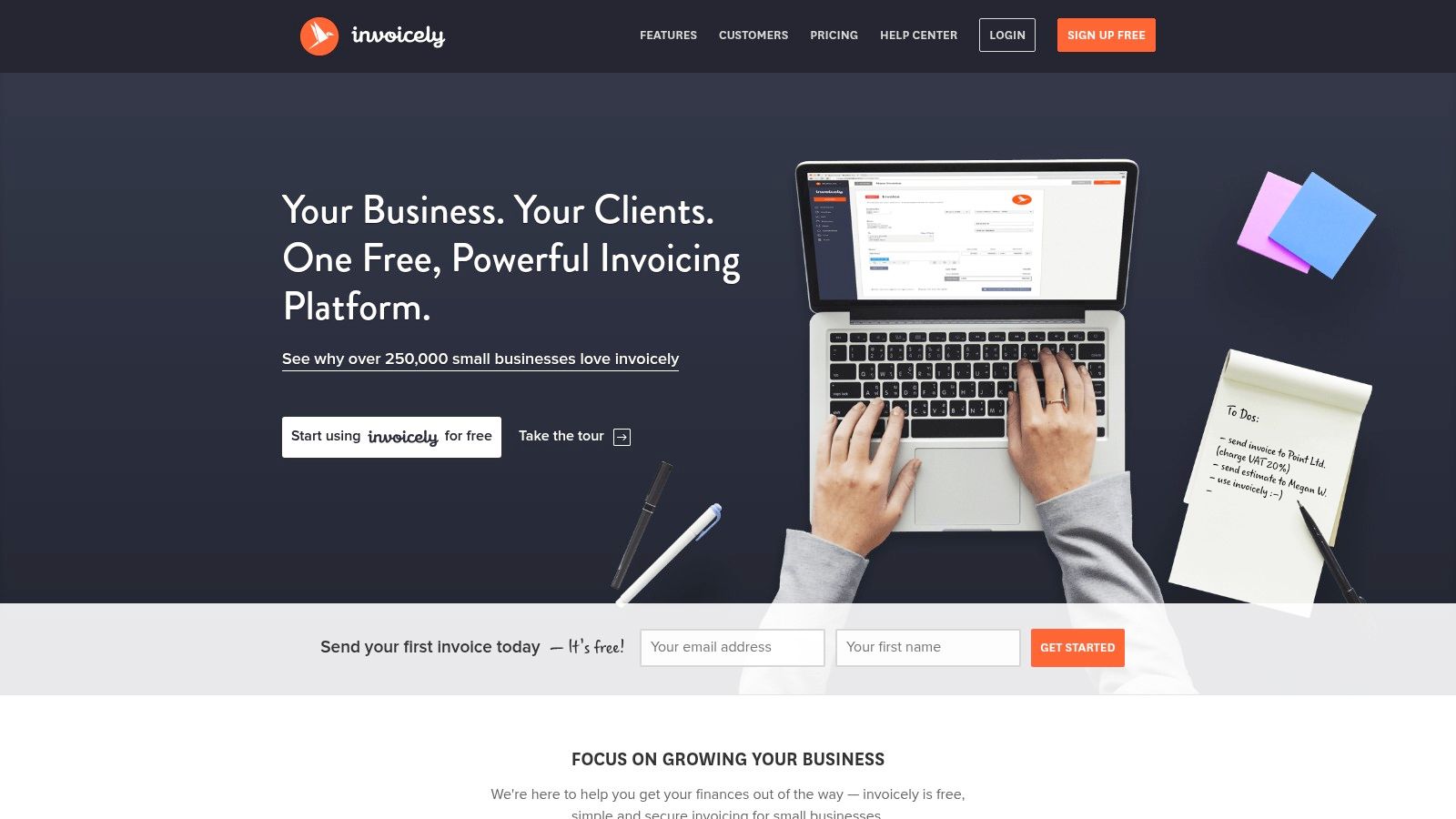
Invoicely is a practical choice when your business sends lots of quotes but doesn’t issue a heavy volume of invoices. That’s a common pattern for solo consultants, small creative shops, and specialist contractors who bid often and close selectively.
I like Invoicely when speed matters more than back-office depth. The interface is simple, the documents look professional enough for everyday client work, and it doesn’t demand much setup before your first quote goes out.
Where Invoicely shines
This is the kind of tool that helps when you’re fielding leads and need to respond quickly. If a prospect asks for pricing, you can build an estimate, convert it later if approved, and keep the process moving without a lot of friction.
That supports receivables discipline too. A business that quotes quickly and invoices consistently usually collects faster than one that treats every estimate as a separate manual project. If you’re tightening that side of the business, these accounts receivable best practices are a good companion read.
Fast quotes help sales. Consistent quote structure helps collections.
Invoicely also makes sense if you work across currencies or need basic tax and discount fields without stepping into a heavier accounting platform. The trade-off is that it remains a lighter system. Once you need deeper reporting, broader approval controls, or stronger accounting integration, you’ll probably want more than Invoicely offers.
For many small service businesses, though, a lightweight tool is exactly the point. A free online quotation maker doesn’t have to be complex to be useful.
4. Refrens Free Quotation Software
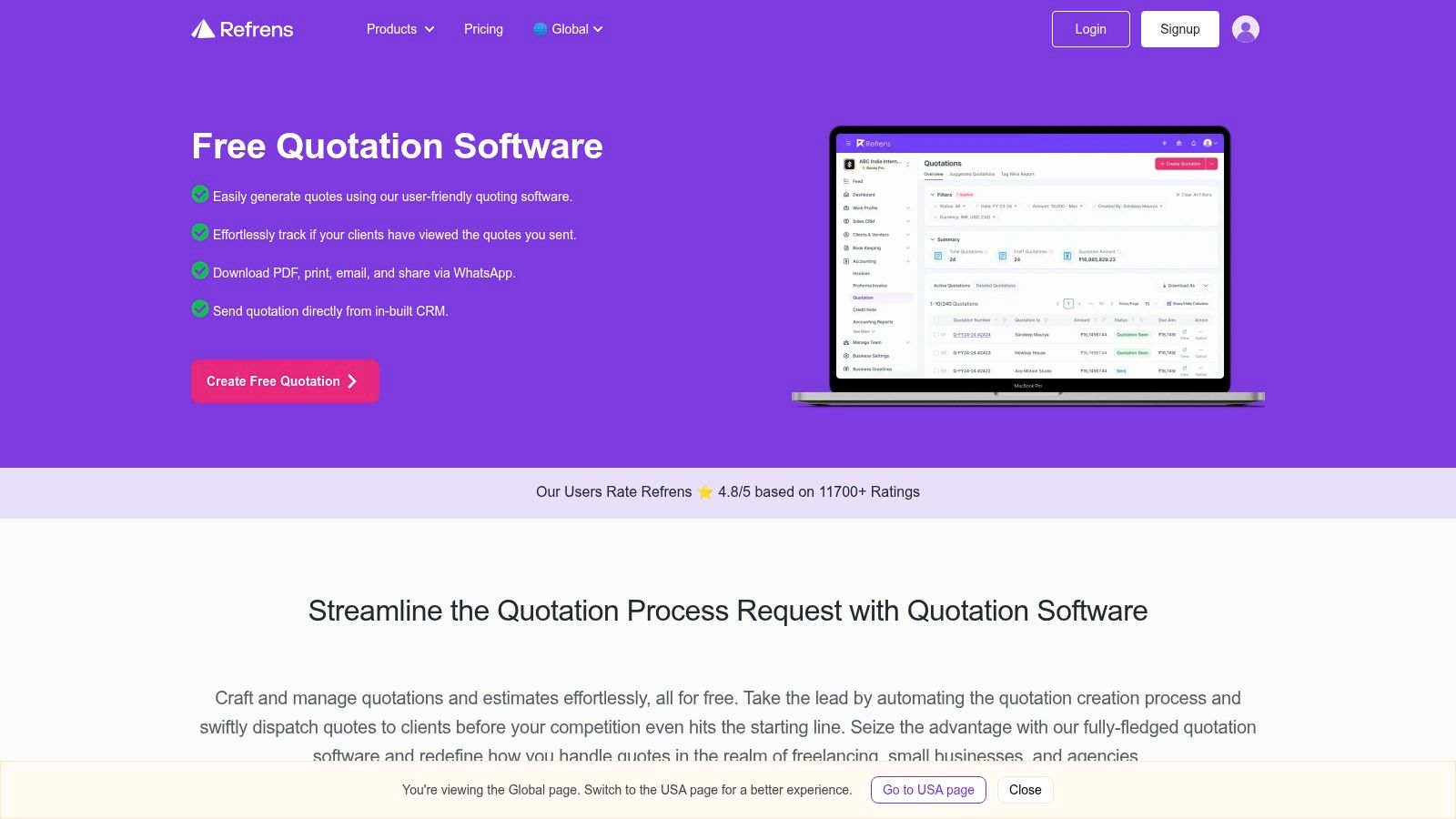
Refrens is one of the more quote-first tools on this list. It feels designed for businesses that want to create, send, track, and follow up on quotations quickly, rather than treating estimates as a secondary feature inside accounting software.
That can be useful for service firms with a sales-heavy front end. If your team shares quotes through email, links, or messaging and wants faster approvals, Refrens is built around that use case.
What stands out
One detail worth noting is how free usage is framed in this market. Some free quotation platforms advertise unlimited quote creation at zero cost, while one business-focused platform explicitly limits free usage to 15 documents. That contrast shows how these tools often function as low-friction lead-in products, with features like PDF download, email sending, and customizable templates designed to reduce friction for small and mid-sized businesses (Refrens free online quotation generator details).
Refrens itself is attractive if your quoting process includes a lot of client contact and follow-up activity. The ability to share digitally and move from quote to invoice without rebuilding the document is useful.
A few things I’d weigh before choosing it:
- Good for sales motion: Digital sharing and approval features can shorten the gap between inquiry and decision.
- Useful line customization: Custom fields and columns help when your service packages aren’t one-size-fits-all.
- Less ideal for accounting depth: If your priority is bookkeeping structure first, you may still need another layer behind it.
Refrens works best when the business problem is quote velocity. It works less well if you expect the quote tool itself to solve your broader finance system.
Visit Refrens Free Quotation Software
5. Zervant
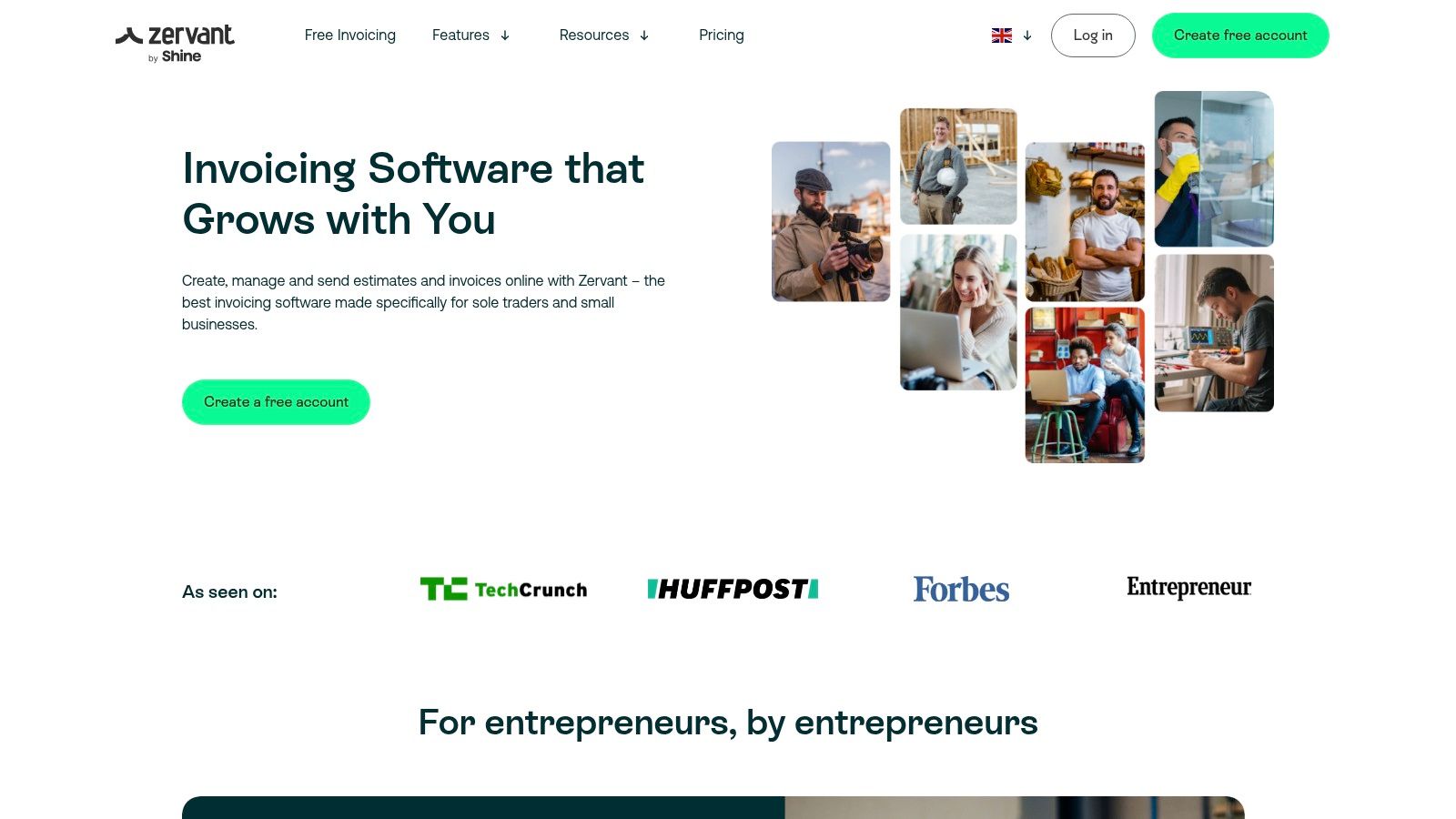
Zervant is a sensible option when you want a cleaner, lighter invoicing environment with estimates built in. It doesn’t try to be a full ERP, and that’s part of its appeal.
For service businesses that send many proposals but keep operations lean, Zervant gives enough structure to standardize documents without drowning staff in setup. It also tends to be approachable for owners who want to manage quoting themselves before handing finance tasks off to a bookkeeper.
Where it fits operationally
The strongest use case is straightforward service quoting. Think recurring creative work, small fixed-fee projects, or labor-based estimates that don’t need complex multi-step approvals. Client acceptance and invoice conversion keep the handoff tidy.
What it doesn’t solve is governance. That’s a larger market gap across quote tools in general. Most free quotation content focuses on speed, templates, and PDF downloads, but rarely explains how to make quotes auditable, reusable, and consistent with bookkeeping workflows. That gap matters especially for service firms dealing with labor, scope changes, and retainers (SmoothLedger’s quotation generator analysis).
Zervant falls into that broader pattern. It’s good at helping you issue clean quotes. It isn’t where I’d look first for version control, approval trails, or downstream revenue tracking logic.
If your needs are simple, that limitation may not matter yet. If your business is growing and several people touch quoting, billing, and collections, keep an eye on process discipline early.
6. PayPal Invoicing Estimates
PayPal’s estimate feature is the practical choice for businesses already living inside PayPal. If clients often pay you there, using estimates inside the same environment can simplify the path from proposal to payment.
This isn’t a full quoting suite, and that’s important to understand upfront. PayPal is most useful when the main requirement is sending a branded estimate, getting approval or requested changes, and converting the result into an invoice tied to a payment workflow clients already trust.
Best use case
PayPal fits well for smaller service providers who don’t need a lot of back-office complexity. Designers, freelancers, coaches, and solo operators often care more about getting the quote accepted and paid than about building a detailed internal approval trail.
That said, you should be realistic about limitations:
- Strong payment continuity: Estimate to invoice to payment happens inside a familiar system.
- Good enough branding: You can present a professional-looking document without adding another app.
- Limited financial structure: It’s weaker if you need extensive item catalogs, approval chains, or finance reporting.
From a bookkeeping perspective, PayPal can work as a front-end quoting tool if someone is also reconciling PayPal activity carefully in your accounting system. If nobody owns that reconciliation, convenience at the sales stage can create cleanup work later.
A fast payment path is helpful only if your books can tell what the payment was for.
For businesses already standardized on PayPal, though, the estimate feature is a reasonable no-subscription starting point.
7. ZipBooks Starter
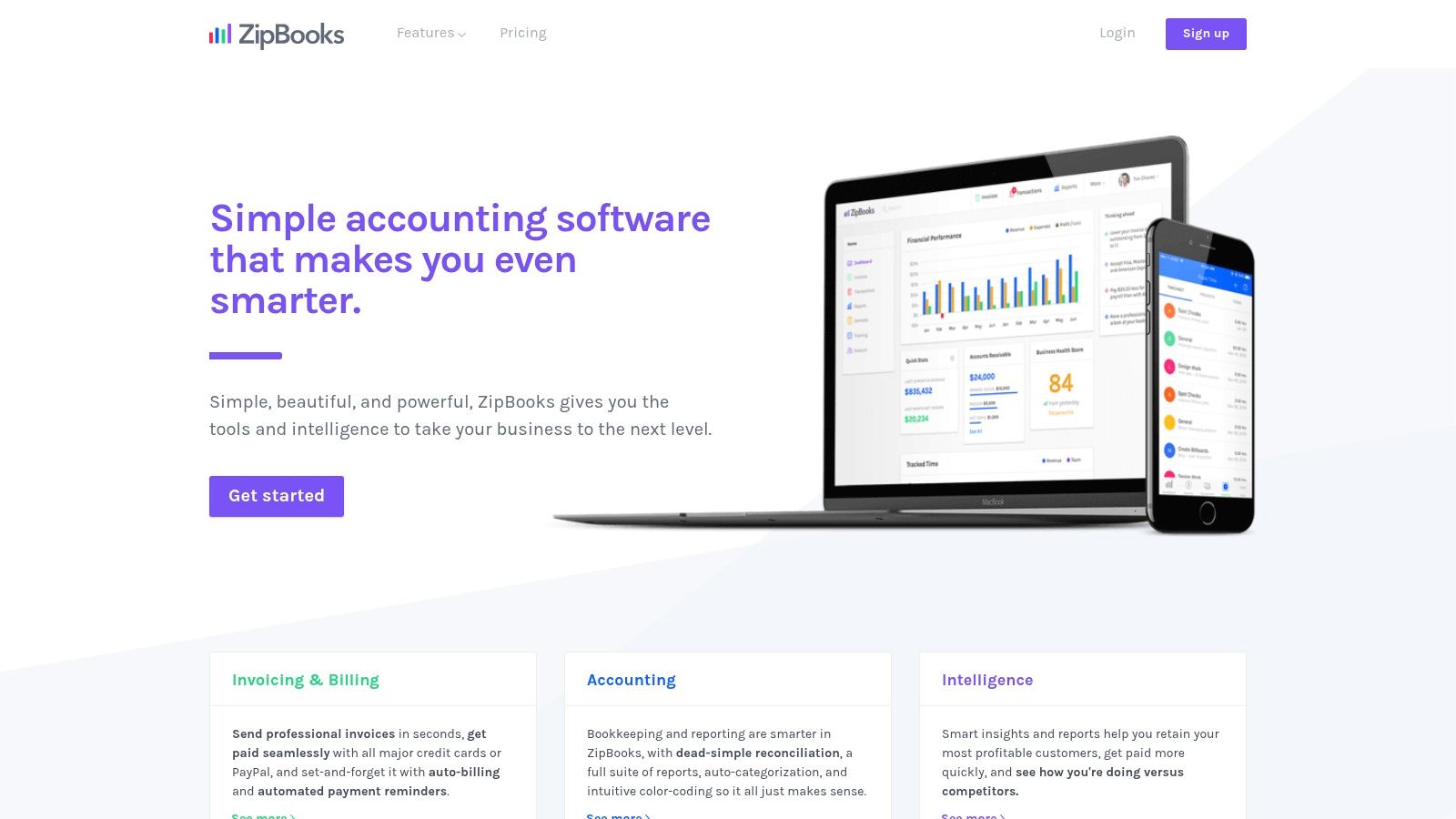
ZipBooks is a better fit than many owners expect when they want one place for estimates, invoices, and a basic accounting layer. It isn’t as expansive as larger accounting platforms, but it can be a practical bridge between quote creation and bookkeeping.
That matters for businesses that are past the “send a PDF and hope someone remembers it later” stage. Once you care about customer records, reporting, and keeping billing tied to the books, a combined environment usually beats disconnected free tools.
Why finance-minded owners consider it
I look at ZipBooks as an entry-level operations tool, not just a free online quotation maker. It supports estimate creation and invoice conversion, and that structure is often enough for small teams that need cleaner financial habits without a full accounting overhaul.
If you’re still building those fundamentals, this guide on how to do accounting for a small business helps frame what the quote tool should feed into.
A few practical observations:
- Good all-in-one starter: Helpful when estimates, invoicing, and basic bookkeeping need to live together.
- Less polished than newer tools in some areas: Documentation and feature expectations may require a little checking before rollout.
- Works best for straightforward service billing: Complex revenue arrangements usually call for stronger systems later.
ZipBooks is not the sleekest option on this list. It is, however, one of the more sensible choices if your bigger goal is building a clean small-business finance process rather than just sending a better-looking quote.
8. Odoo Sales
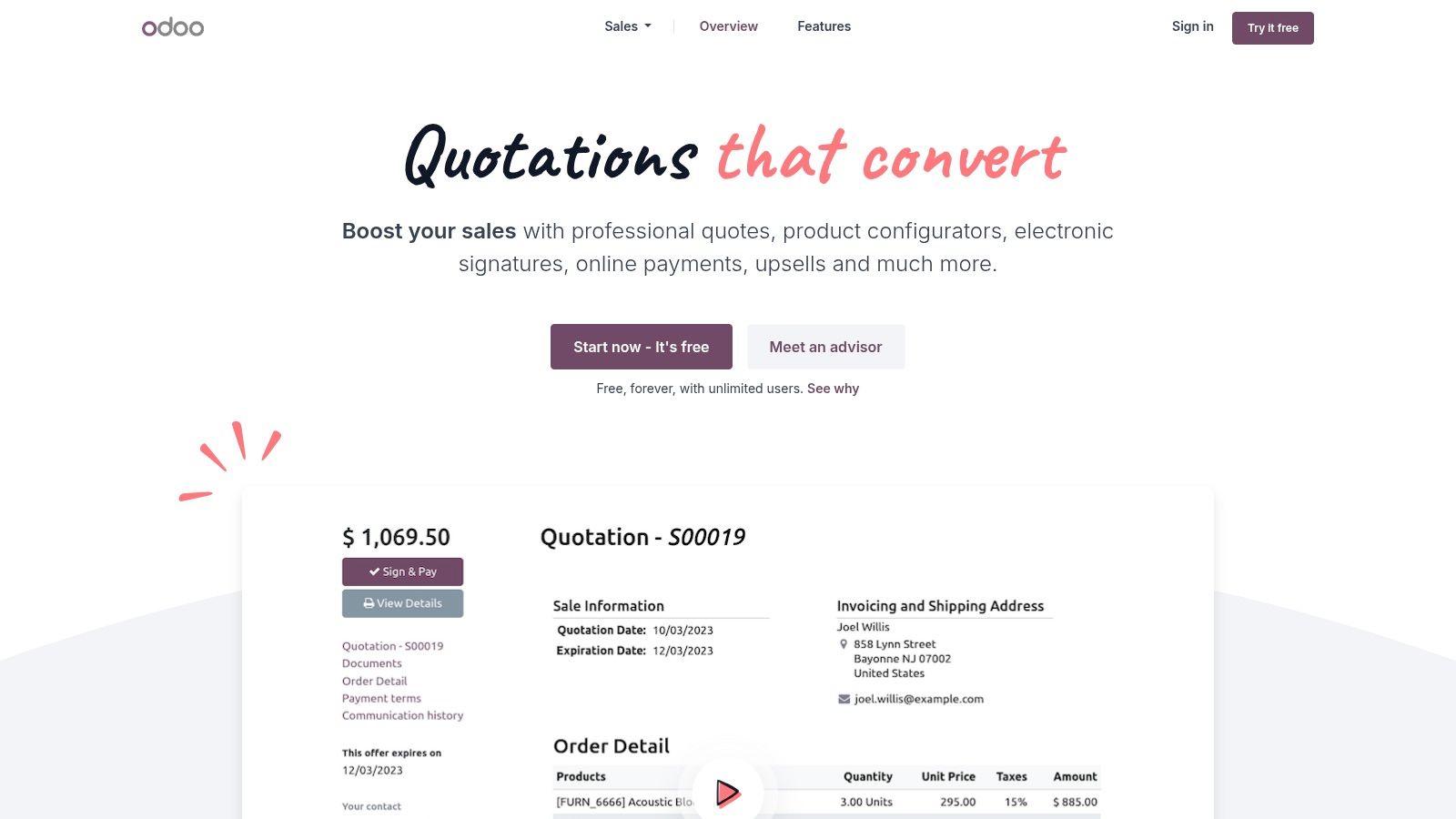
Odoo Sales is for businesses that already know simple tools won’t hold up for long. If your quote process touches CRM, products or service packages, approvals, online signatures, and eventual invoicing, Odoo gives you a much broader operating model than a basic generator.
That broader model is its biggest advantage and its biggest risk. You can centralize a lot of commercial workflow in one place, but you’ll spend more time setting it up and maintaining consistency.
Strong for process-heavy teams
For agencies, field service firms, and B2B service companies with multi-step selling, Odoo can make quoting feel like part of an actual sales system instead of a document task. Templates, product catalogs, signatures, and payment options all support that.
It also pairs well with businesses that want quotes generated from structured pricing logic. A no-code guide on quote generation recommends placing the estimator on high-intent pages, showing the estimate before asking for contact details, and translating pricing rules into formulas with clear user inputs like sliders, dropdowns, and text fields (MicroEstimates guide to free online quote generators).
That mindset fits Odoo well. You can build a more systematic quote process inside a broader commercial workflow.
The downside is complexity. If your team just needs to send clean estimates and move on, Odoo will feel like too much software. If you’re standardizing a larger sales operation, it can be a very useful foundation.
9. Bitrix24
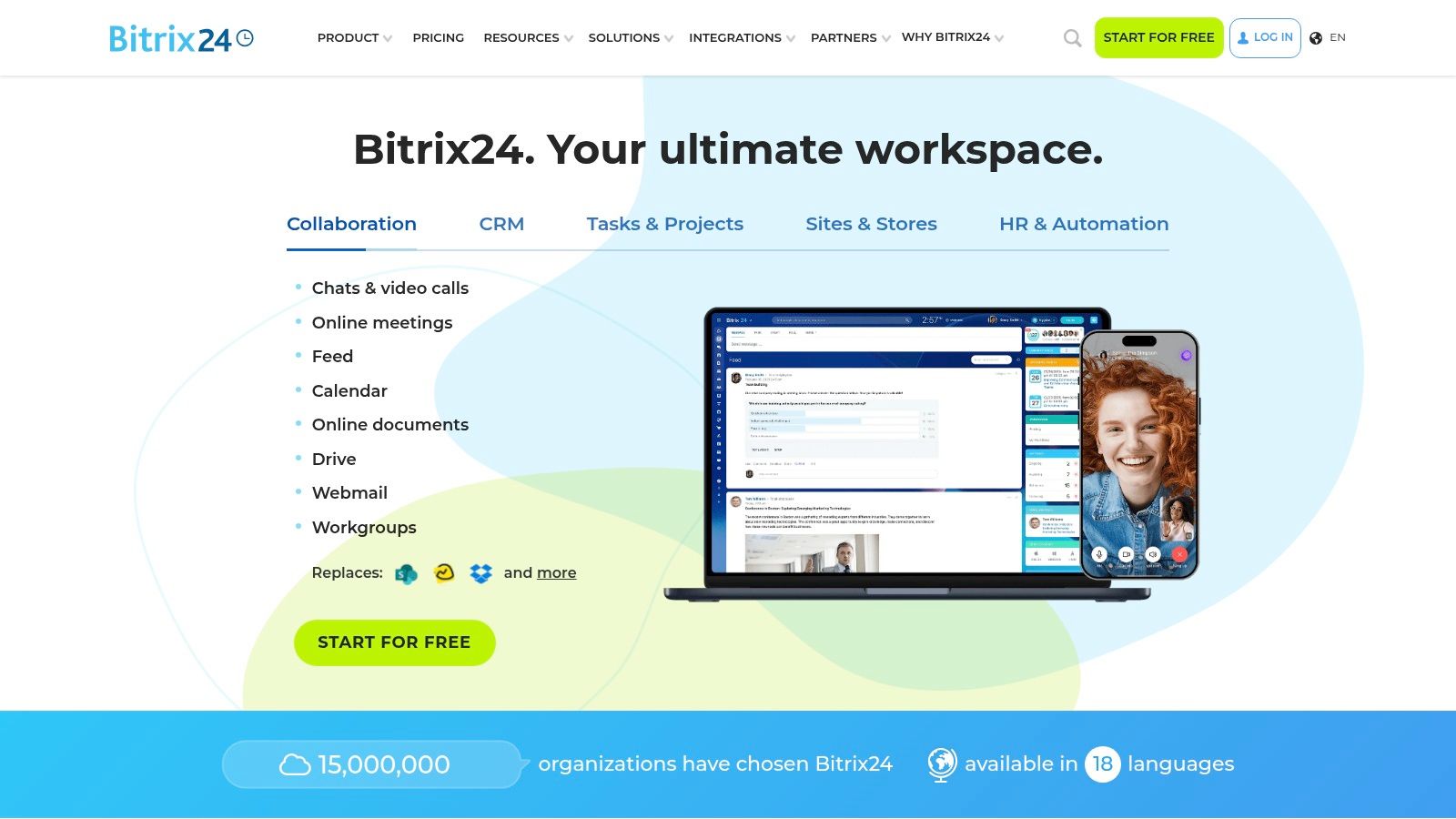
Bitrix24 makes sense when quoting is only one piece of a larger client pipeline. If you need lead tracking, deal stages, internal notes, and quote generation from within CRM records, Bitrix24 is more capable than lightweight quote-only tools.
This is the option I’d consider for businesses where sales operations and follow-up discipline matter as much as document creation. If your staff loses opportunities because leads, quotes, and conversations are spread across inboxes and spreadsheets, Bitrix24 can bring that into one workspace.
The real trade-off
The upside is visibility. Sales teams can track where a quote sits in the pipeline, who sent it, and what happened next. That context matters if multiple people touch a deal before it becomes revenue.
The downside is usability. Bitrix24 isn’t the cleanest environment for an owner who only wants to generate a fast estimate. It asks you to adopt more of its workflow, and some teams find that heavy.
Choose Bitrix24 if missed follow-up is costing you business. Skip it if all you need is a better PDF.
For bookkeepers, the question is whether the extra CRM structure leads to cleaner billing or just more data entry. In the right team, it helps. In the wrong team, it becomes another system people only partially use.
Still, if your quote process belongs inside a pipeline rather than in a standalone free online quotation maker, Bitrix24 is a serious option.
10. SimplyQuote.net
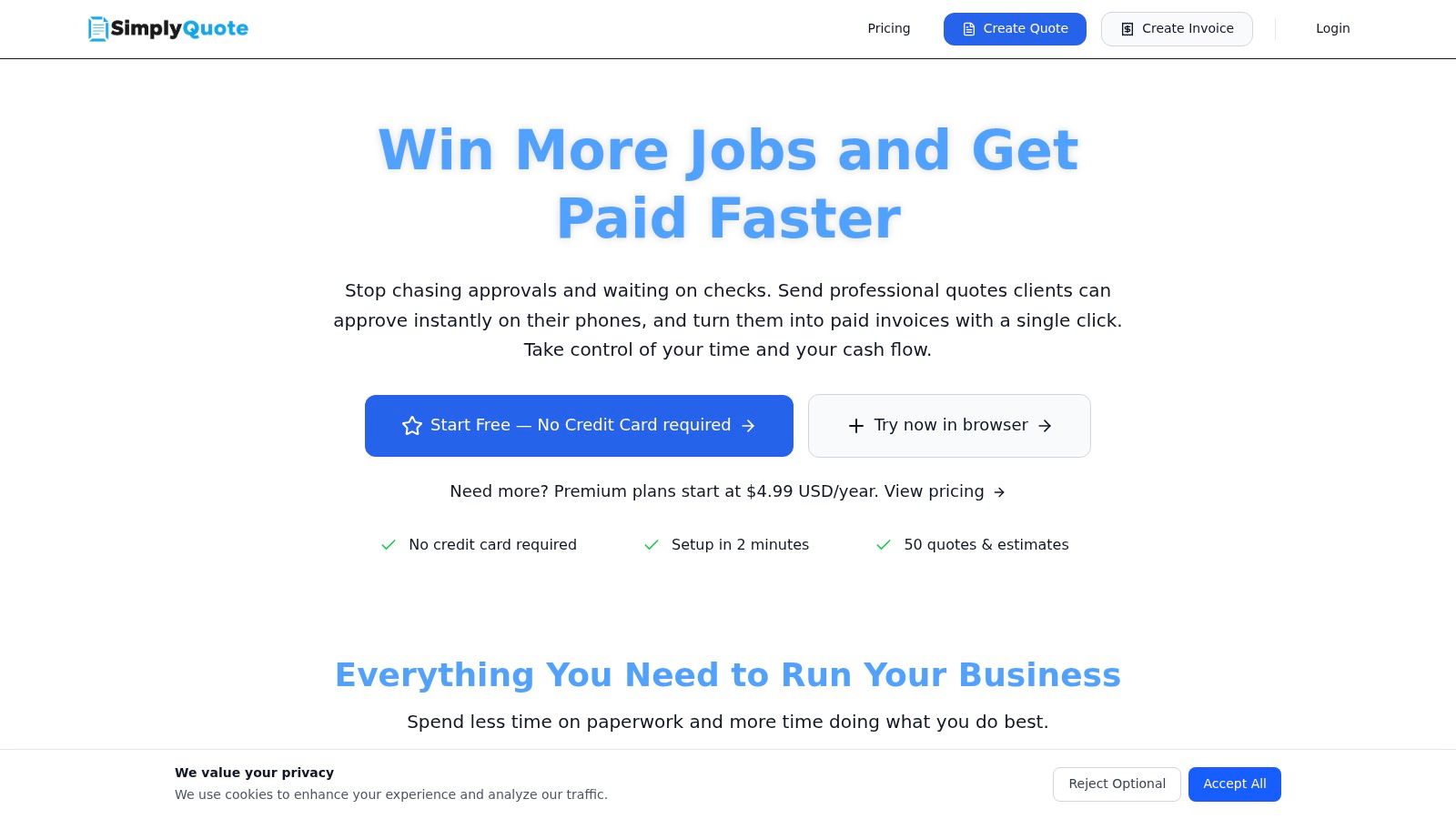
SimplyQuote.net stays focused on the core workflow many small service businesses need. Send a quote, collect approval, convert to invoice, and offer payment options without a complicated rollout.
That focus is a plus. Smaller vendors can sometimes deliver a cleaner quoting experience than broad accounting suites because they don’t force you through a lot of unrelated setup. If your team values speed and mobile-friendly approval, SimplyQuote.net is easy to test.
Where caution matters
What I watch closely with narrower tools is what happens after the quote is accepted. Can the data move cleanly into invoicing? Will your bookkeeper have enough detail to match deposits, record revenue properly, and explain open balances later?
That concern gets even sharper for businesses selling across regions. Free quote maker pages often mention tax fields or compliant formatting, but they usually stop short of explaining when tax should appear on a quote, how treatment changes across jurisdictions, or how currency and validity windows affect whether the document will still work later in AP and AR processes (Tally’s quotation generator discussion).
SimplyQuote.net is best for domestic, straightforward quoting unless you already know your tax handling rules. It can be a solid lightweight front end. Just don’t assume a polished quote equals a compliant or accounting-ready one.
Top 10 Free Online Quotation Makers, Feature Comparison
| Product | Core features / Capabilities | UX / Quality | Price / Value | Target audience | Unique selling points |
|---|---|---|---|---|---|
| Zoho Invoice | Quotes & customer portal, convert to invoices, templates, time/expense | ★★★★, polished, business-ready | 💰 Free tier (annual usage caps) | 👥 US service SMBs needing quotes + basic invoicing | ✨ Customer portal, one-click quote→invoice, 🏆 mature vendor |
| Invoice Ninja (Free/Open Source) | Quotes, client portal, 40+ payment gateways, self‑host option | ★★★★, flexible & dev‑friendly | 💰 Free hosted or self‑host (branding on free) | 👥 Freelancers/contractors & self‑hosting teams | ✨ Open‑source + wide gateway support, 🏆 self‑host control |
| Invoicely | Unlimited estimates (free), convert to invoices, multi‑currency, PayPal | ★★★, simple and fast | 💰 Free unlimited estimates; invoice/month caps | 👥 Solo & micro‑SMBs needing many quotes | ✨ Unlimited free estimates, quick PDF output |
| Refrens Free Quotation Software | Quote creation, WhatsApp sharing, custom fields, basic CRM | ★★★, quote‑first, fast approvals | 💰 Free quote quota; premium for full accounting | 👥 Service providers needing quick digital approvals | ✨ WhatsApp sharing & tracking, easy quote→invoice |
| Zervant | Unlimited estimates free, client acceptance, mobile, time tracking | ★★★, clear UI, EU focus | 💰 Free unlimited estimates; invoice/customer limits | 👥 Micro‑SMBs (strong EU presence) | ✨ Mobile acceptance + clear quotas |
| PayPal Invoicing – Estimates | Branded estimates, approval flow, convert to PayPal invoices | ★★★, familiar & simple | 💰 No monthly fee (PayPal processing fees apply) | 👥 Businesses already on PayPal | ✨ Direct payment integration, seamless approval→pay |
| ZipBooks (Starter) | Estimates, unlimited invoices/customers (Starter), basic bookkeeping | ★★★★, bookkeeping + invoicing in one | 💰 Free Starter; paid tiers for automation | 👥 US SMBs wanting simple accounting + quotes | ✨ Free starter accounting + quotes, 🏆 all‑in‑one entry level |
| Odoo Sales (One App Free) | Professional quotes, PDF builder, online signature, product catalog | ★★★★★, powerful, ERP‑grade | 💰 $0 if only Sales app; paid to expand | 👥 Growing businesses needing ERP/CRM workflows | ✨ Scales into full ERP/CRM, 🏆 enterprise quoting for free (single app) |
| Bitrix24 (Free CRM with Quotes) | Quotes/invoices from CRM, pipelines, automations, mobile apps | ★★★, feature‑rich but heavy | 💰 Free CRM tier; limits on features | 👥 Service teams needing CRM + quoting | ✨ Integrated CRM + quoting + multi‑channel comms |
| SimplyQuote.net | E‑signature, approve & convert, accept Stripe/PayPal/Square | ★★★, quick setup, mobile friendly | 💰 Free starter; very low‑cost annual tiers | 👥 Small firms testing quote workflows | ✨ E‑sign + simple approvals, low cost to scale |
Turn Your Quotes into Growth
It usually starts the same way. A client approves a quote on Tuesday, the team starts work on Wednesday, and by Friday someone is rebuilding that quote as an invoice from scratch and trying to remember what changed.
That is where free quotation tools either help your business or create extra bookkeeping work.
A good quote does more than look professional. It sets scope clearly, carries the same line items into the invoice, and gives your team a repeatable handoff from sales to billing. If the quote sits in one app, the invoice is created in another, and payment comes through a third system, someone still has to match it all back to the books. In small service businesses, that job usually lands on the owner, office manager, or bookkeeper.
I review quotation software through that lens. First, can it produce a clear client-facing quote? Second, can the team capture approval and turn that quote into an invoice without retyping the work? Third, does the system leave a clean audit trail for receivables, reporting, and reconciliations in QuickBooks or whatever accounting stack the business already uses? Features matter, but workflow matters more.
The tools in this list solve different problems. Zoho Invoice, ZipBooks, and Invoice Ninja make the most sense for businesses that want tighter quote-to-invoice continuity. Refrens and Bitrix24 fit better when quoting sits closer to CRM activity and sales follow-up. PayPal Invoicing and SimplyQuote.net work well when speed, client familiarity, and quick approval matter most. Odoo Sales stands out for companies that expect quoting to connect to a larger operating system over time.
For service businesses, the smartest setup is usually simple at the start and disciplined from day one. Use consistent service descriptions. Include quote expiration dates. Keep line items detailed enough that the final invoice matches the approved work. Assign one person to own the handoff from signed quote to billed job. If your team logs labor separately, connecting that process with time tracking for invoices can reduce billing disputes and make support for each invoice easier to find later.
Steingard Financial works with service businesses on bookkeeping, payroll, reconciliations, reporting, and finance process design. That perspective matters here. The right quotation tool should not just help you send estimates faster. It should fit the way your business closes the books, follows up on receivables, and reviews job profitability each month.
Choose the simplest tool that supports your current process and will still hold up once volume increases. Clean quotes lead to cleaner invoices, and cleaner invoices lead to cleaner books.
After the quote is sent
Clean quotes lead to cleaner books — but only if something maintains them.
If you are sending quotes, you are running a service business, and the quote → invoice → books chain is where most of them lose the thread. A quoting tool handles the first step and an invoicing tool the second. The third is the one that quietly falls behind, because nothing forces it to happen on a schedule. That is the gap a recurring monthly process is built to close.