 Skip to content
Your team needs a polished proposal by Friday. Sales wants it branded. Operations wants a version they can update without asking design for help. Finance wants to know whether another software subscription is worth it. That’s the moment when Adobe InDesign starts to feel less like a design tool and more like an operating decision.
InDesign is still the standard for serious page layout, especially when you’re producing complex publications and working inside Adobe-heavy environments. But many service businesses aren’t building magazines. They’re creating proposals, reports, pitch decks, one-pagers, client handouts, and marketing collateral that need to look credible, stay on brand, and move quickly through a team. In that context, the best Adobe InDesign alternative isn’t always the most powerful app. It’s the one your staff will use well, without creating handoff problems or adding unnecessary software overhead.
Cost is part of the decision. Workflow risk matters just as much. One comparison notes that an InDesign-only Creative Cloud subscription costs about $21 per month, while Affinity Publisher is sold for a one-time fee of about $75. That difference gets attention fast. But buyers should also pay attention to migration and compatibility risk, because lower license cost can disappear if your team keeps fixing imported files, reworking typography, or patching vendor handoffs before delivery, a gap highlighted in Creative Bloq’s discussion of InDesign alternatives and workflow compatibility.
If you’re also reviewing the broader software stack around your marketing and client experience, this guide to web design tools for businesses is worth keeping open in another tab.
1. Affinity Publisher (Affinity by Canva)
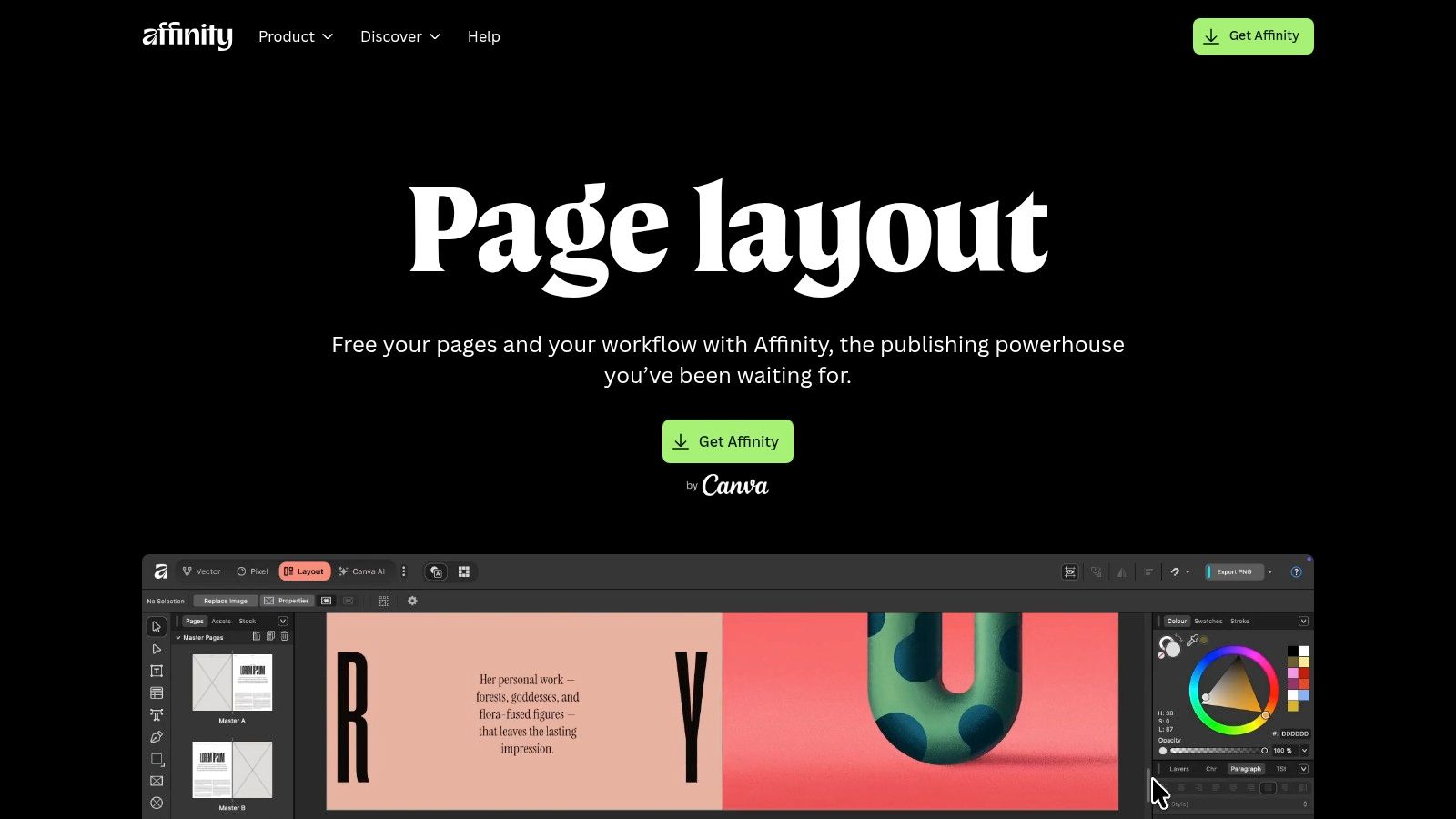
A service firm often reaches this decision at an expensive moment. The team needs a polished proposal by Friday, the account lead wants brand consistency, and no one wants to add another monthly software bill just to build PDFs and presentation-style documents. Affinity Publisher stands out because it gives small agencies and professional services teams a serious page-layout tool without tying the budget to another recurring Adobe seat.
Serif introduced Affinity Publisher as part of the Affinity suite, with a launch covered by Other World Computing in June 2019. Its current positioning is clear on the official Affinity Publisher product page: it is built for professional page design, with support for books, magazines, marketing materials, reports, stationery, and other multi-page documents. For business owners, that matters more than feature marketing. The question is whether your team can produce client-ready documents faster and at lower operating cost.
In many service businesses, the answer is yes. Affinity Publisher covers the functions that usually matter in day-to-day document production: master pages, strong typographic control, tables, cross-references, indexes, preflight checks, PDF export, and IDML import for many files that originated in InDesign. If your deliverable is a finished PDF, not a native Adobe file handed back to a client or outside production partner, Affinity often fits the workflow well.
Where it works best
The strongest use case is internal production. Agencies, consultants, and advisory firms can use Affinity Publisher to build proposals, white papers, board reports, conference handouts, case studies, and branded sales collateral without paying subscription costs for every occasional user.
That cost structure is the key operational advantage.
- Best fit: Teams creating polished business documents for PDF delivery and internal brand control.
- Operational upside: A one-time license is easier to forecast and justify than another monthly software expense.
- Watch closely: IDML import reduces migration friction, but imported files still need testing before you standardize a client-facing workflow around them.
My recommendation is simple. Test one real proposal, one report, and one file with complex typography before rolling it out across the team. If your staff can edit, revise, and export those documents without format cleanup, Affinity Publisher can improve margins on design-heavy work.
For solo consultants and small firms reviewing software spend across the business, this guide to software for freelancers is a useful companion read.
2. QuarkXPress
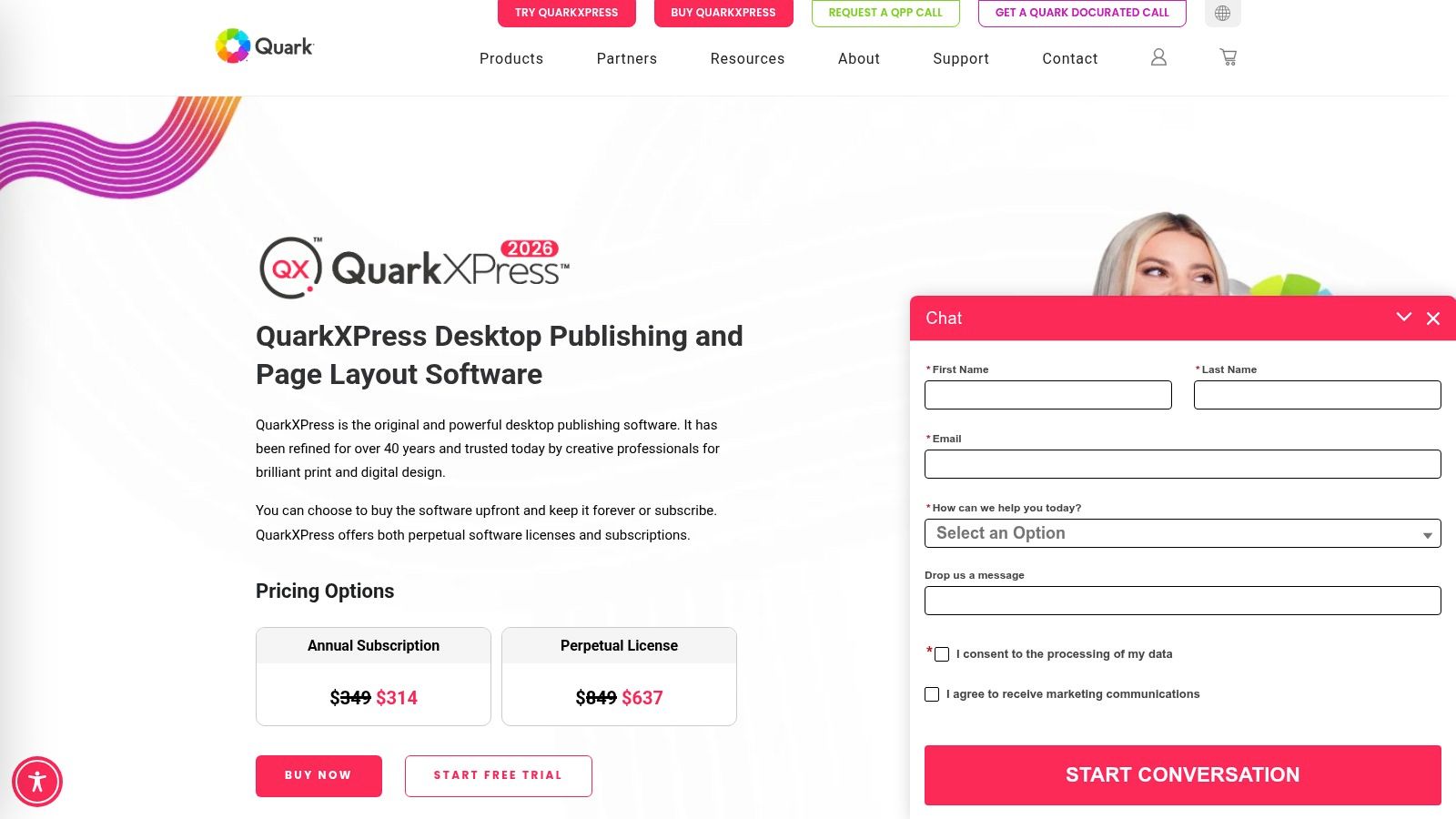
QuarkXPress is the veteran option. It’s been part of professional editorial and print production for years, and that history still matters if your business produces document-heavy deliverables with long shelf lives. Agencies that handle catalogs, books, magazines, formal publications, or structured marketing materials often appreciate mature tools more than trendy interfaces.
For a service business owner, Quark’s value is less about hype and more about control. It offers advanced layout, typography, and color management, plus a production-oriented environment that feels built for serious page work rather than quick template editing.
Why some teams still choose Quark
The biggest practical argument for QuarkXPress is licensing flexibility and production depth. If your company doesn’t want every creative tool tied to a monthly subscription, Quark is one of the few names still associated with a non-Adobe path that professionals recognize.
A G2 alternatives page ranks Canva as the best overall Adobe InDesign alternative and also lists QuarkXPress, Marq, Microsoft Publisher, and Affinity Publisher among commonly compared products. That tells you something useful. This market isn’t converging on one replacement. It’s splitting by user type.
QuarkXPress is rarely the easiest tool to hand to a sales coordinator. It can be the right tool for a production specialist who needs reliability.
The main downside is ecosystem gravity. Adobe still dominates many agency workflows, so Quark can feel isolated if your partners expect Adobe-native collaboration. Public pricing and packaging can also require more vendor interaction than many small businesses prefer. You can review the platform at QuarkXPress, and if your software decisions connect to broader operational systems, this guide to management software for small business helps frame those trade-offs.
3. Scribus
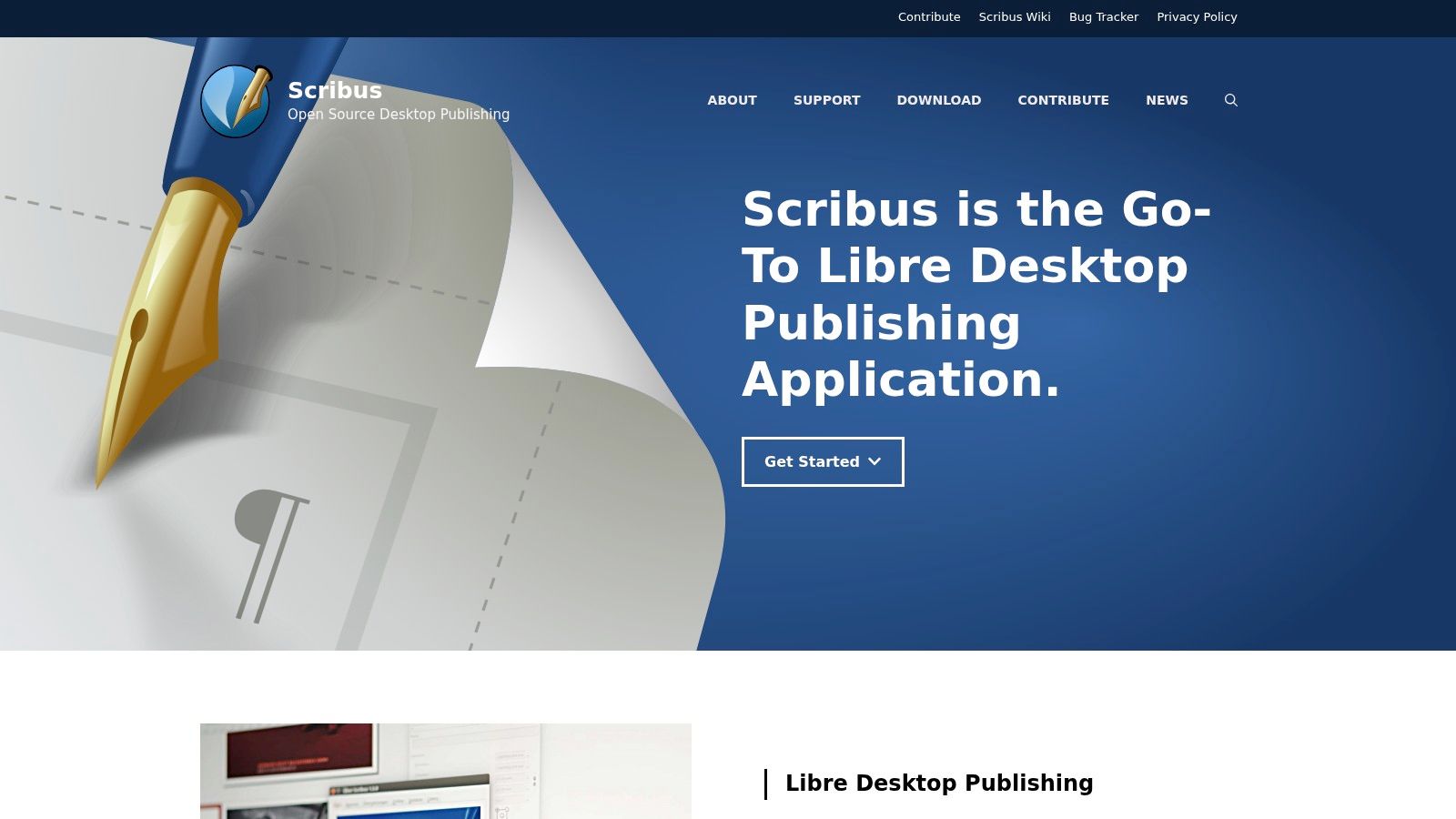
Scribus is the budget-first Adobe InDesign alternative, but that description undersells it. It’s open-source desktop publishing software with real page layout capability, including PDF/X output, preflight verification, and scripting support. If your company runs a lean stack or works in Linux environments, Scribus deserves more attention than it usually gets.
This isn’t the app I’d hand to a non-technical office manager and expect instant success. The interface and workflow can feel more technical than commercial products, and that matters when speed of adoption is part of ROI.
Best use case for business owners
Scribus works when software cost needs to stay close to zero and your output requirements are still serious. That usually means internal teams with some production discipline, or organizations that create brochures, newsletters, forms, manuals, and basic collateral that must export cleanly to PDF.
- Strong point: Press-ready PDF production without licensing overhead.
- Strong point: Cross-platform support, including Linux.
- Limitation: It doesn’t open native INDD or Quark files, and import options are limited.
For agencies, the biggest operational question isn’t whether Scribus can design a page. It’s whether your staff, contractors, and vendors can work around its interoperability limits without slowing production. If the answer is yes, it can be a practical back-office publishing tool. If the answer is no, low purchase cost won’t save you much.
You can review the software at Scribus.
4. Marq (formerly Lucidpress)
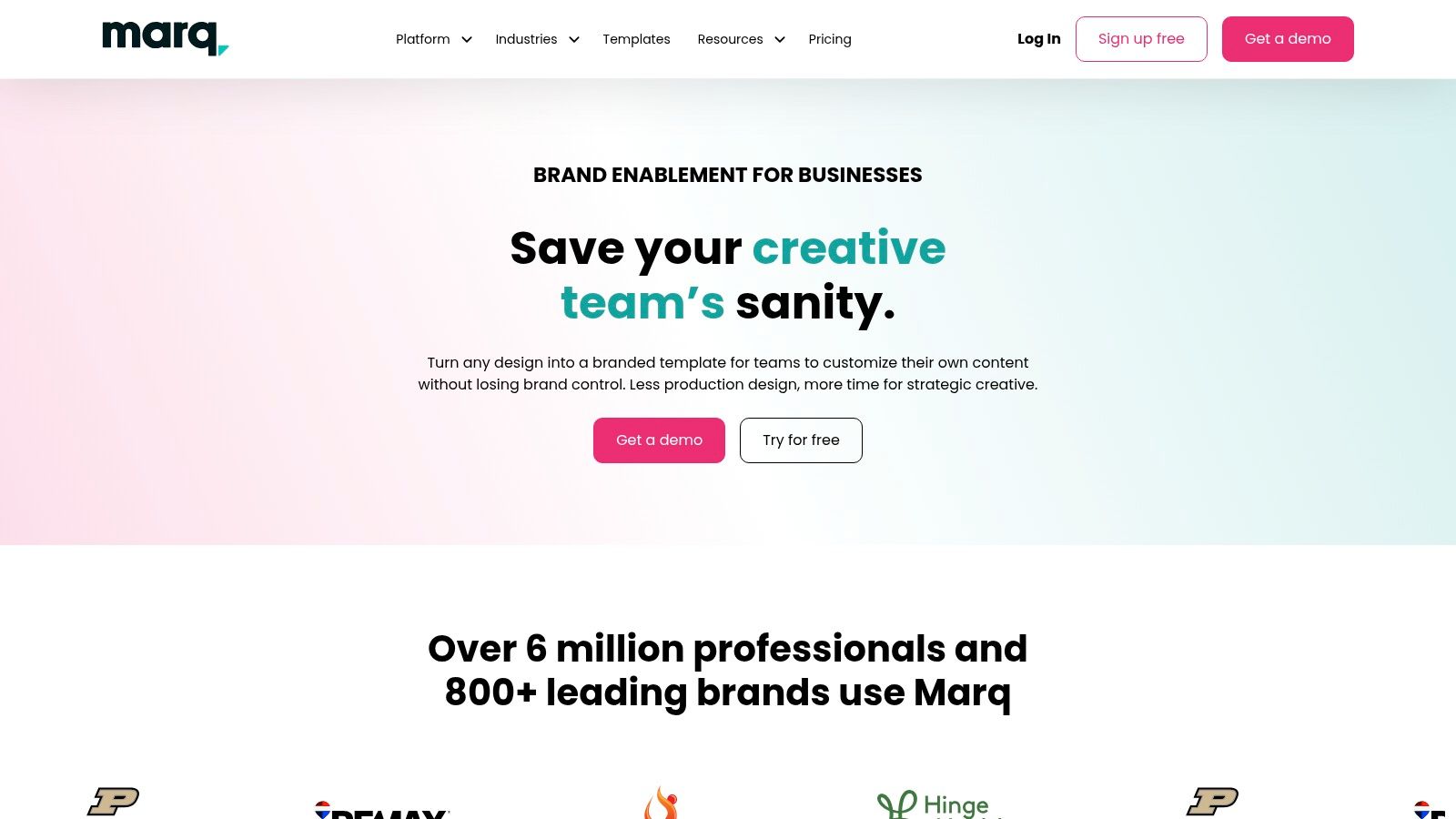
Marq solves a different problem than InDesign. It’s less about deep desktop publishing and more about controlled document creation across distributed teams. If your business has multiple offices, franchise locations, account managers, or client success staff who need to make branded materials quickly, Marq starts to look more like an operations platform than a design platform.
That distinction matters. Plenty of service businesses don’t need a designer-level tool. They need a way to stop people from stretching logos, changing fonts, and sending clients materials that look like five different companies made them.
The real ROI case
Marq’s value shows up when the bottleneck is brand consistency, not advanced typography. Browser-based access, real-time collaboration, team templates, and locked brand controls make it easier to decentralize document creation without losing visual control.
I’d put Marq high on the list for firms producing:
- Sales proposals: Reps can customize approved templates without breaking the brand system.
- Client reports: Teams can update recurring documents in the browser.
- Local marketing collateral: Regional staff can adapt approved assets with less design oversight.
The trade-off is precision. Marq doesn’t aim to match InDesign for granular typographic control, complex prepress work, or editorial-grade layout nuance. For businesses making branded PDFs and repeatable collateral, that’s often fine. For print-heavy creative production, it’s a limitation.
The website is Marq.
5. Canva
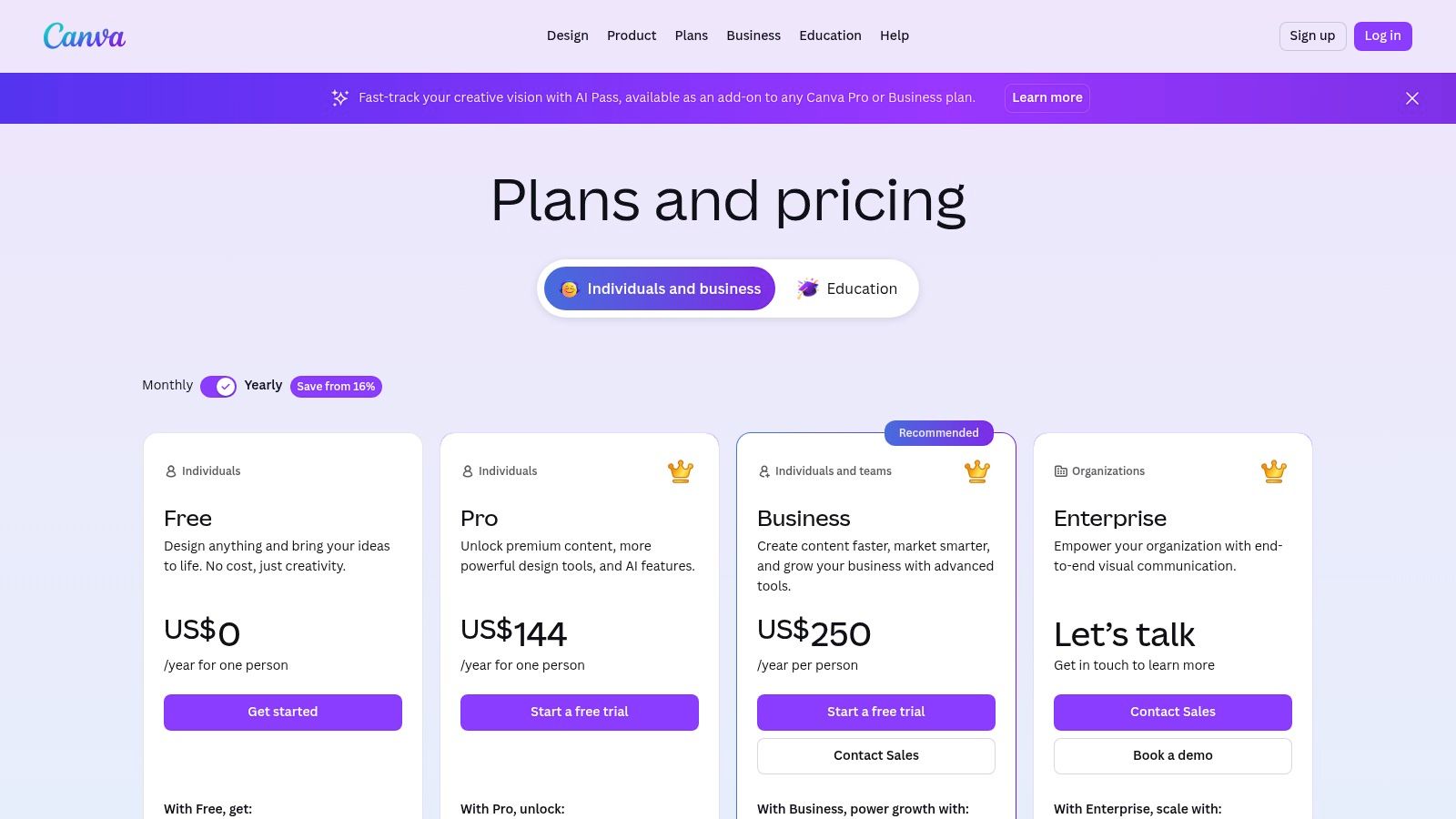
Canva is the mainstream answer to the Adobe InDesign alternative question for a reason. It’s fast, familiar, collaborative, and easy for non-designers to use. In the alternatives market, it also appears to have broad momentum. Independent market-share data cited by The Knowledge Academy says Adobe InDesign held 28% of the international design software market in a 2023 Statista survey, which suggests there’s substantial room for substitutes like Canva, Affinity Publisher, and QuarkXPress in a fragmented category.
That doesn’t mean Canva replaces InDesign feature for feature. It doesn’t. It means many buyers don’t need feature parity to get value.
Where Canva earns its place
For service businesses, Canva is excellent at speed. Teams use it for proposals, one-pagers, social graphics, hiring materials, lead magnets, presentations, and lightweight reports. If your pain point is getting polished materials out the door without routing everything through a designer, Canva can remove a lot of friction.
Most businesses don’t need a publishing workstation for every employee. They need a system that keeps output acceptable and turnaround fast.
Its template library, team libraries, brand kits, and cloud sharing model are especially useful for dispersed teams. Print exports exist, but this still isn’t the tool I’d choose for complex books, dense editorial work, or exacting print production. The more your work depends on complex page architecture and prepress control, the more Canva shows its limits.
You can explore plans at Canva pricing. If your team also needs a simple workflow for preparing and presenting quotes to clients, this free online quotation maker pairs well with Canva’s fast document workflow.
6. VivaDesigner (VivaDesigner Desktop & Web)
VivaDesigner is one of the more interesting options on this list because it approaches publishing as a hybrid environment. It offers desktop, server, and web editions, and it’s built with database publishing, web-to-print, and enterprise-style deployment in mind. That makes it relevant for organizations that treat document production as a system, not just a design task.
Most small businesses won’t need that complexity. Some agencies, publishers, and document-heavy organizations absolutely will.
Why VivaDesigner stands out
The feature that gets attention is its browser-oriented workflow and its claim that InDesign files can be opened and edited in a web environment. That’s the sort of capability that can matter if central teams need to control production while allowing distributed contributors to participate in a governed workflow.
- Best fit: Organizations with structured publishing operations.
- Best fit: Teams with database-driven content or repeatable document families.
- Caution: You should test your own files rather than assume Adobe compatibility will hold in every scenario.
VivaDesigner can be a strong operational choice if your problem is workflow orchestration across teams, devices, and environments. It’s less compelling if you want an easier replacement for InDesign on one designer’s workstation. The U.S. market presence feels smaller than Adobe, Canva, or Affinity, so expect a more consultative buying process.
The platform is available at VivaDesigner.
7. Swift Publisher
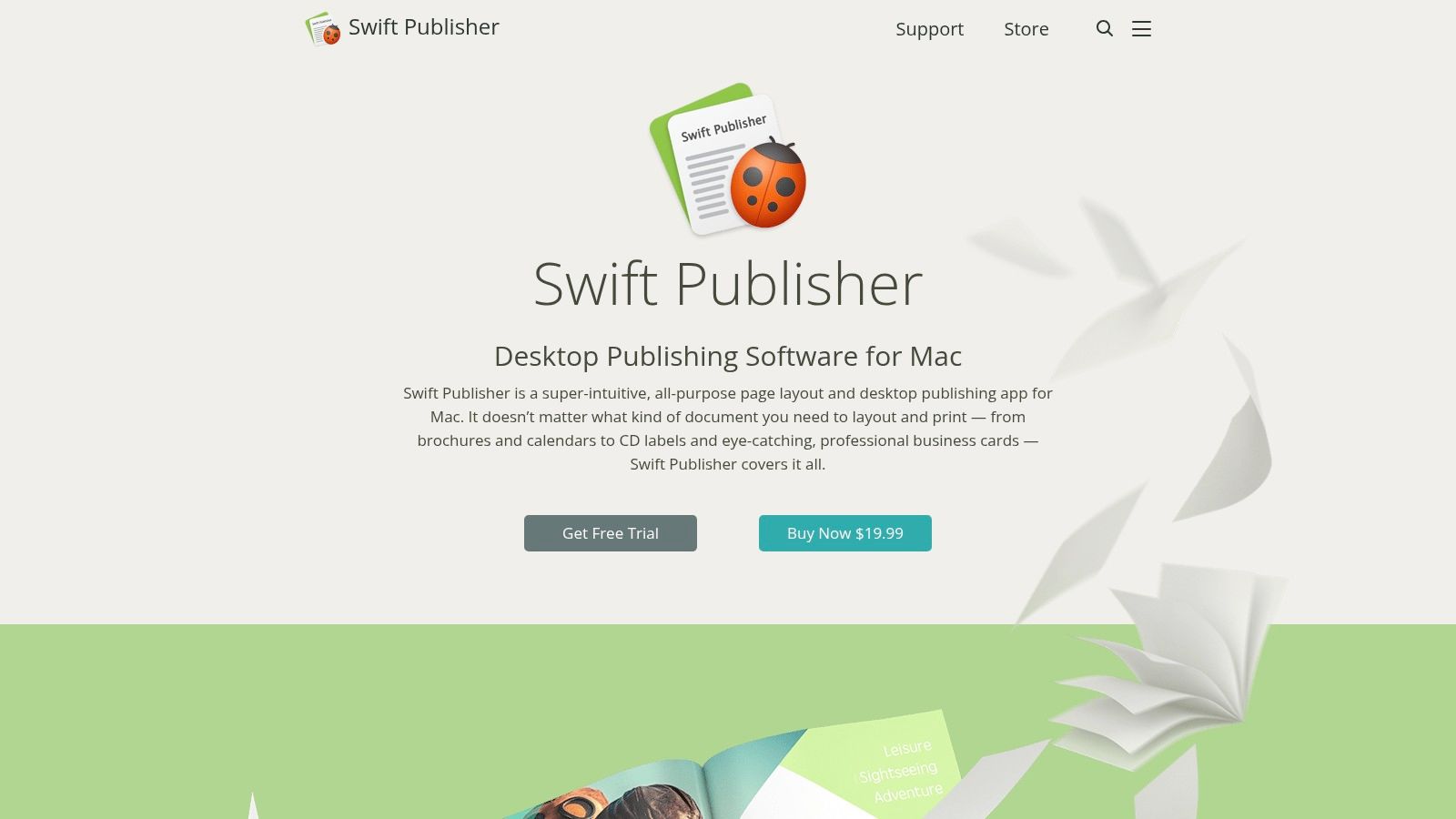
Swift Publisher is the practical choice for Mac-based small teams that need simple page layout without professional publishing overhead. It handles brochures, newsletters, flyers, stationery, and straightforward marketing documents well enough for many local service businesses.
This tool isn’t trying to win against InDesign on depth. It wins on accessibility. A team member can learn it faster, produce decent-looking collateral, and avoid the cost and complexity of a heavier design stack.
Good for small internal teams
Swift Publisher includes useful layout features like master pages, styles, vector shapes, mail merge, templates, and exports to PDF and image formats. That covers a surprising amount of day-to-day business publishing.
Where it falls short is just as important:
- Mac only: That’s an immediate constraint for mixed-device teams.
- Limited scale: It lacks advanced prepress, automation, and enterprise publishing features.
- Collaboration gap: It’s better as a local production tool than a cloud collaboration system.
If your company has one office manager, one marketing generalist, or one founder handling branded documents on a Mac, Swift Publisher can be enough. If your process depends on cross-functional review, distributed editing, or complex vendor handoff, you’ll probably outgrow it.
You can review it at Swift Publisher.
8. CorelDRAW Graphics Suite
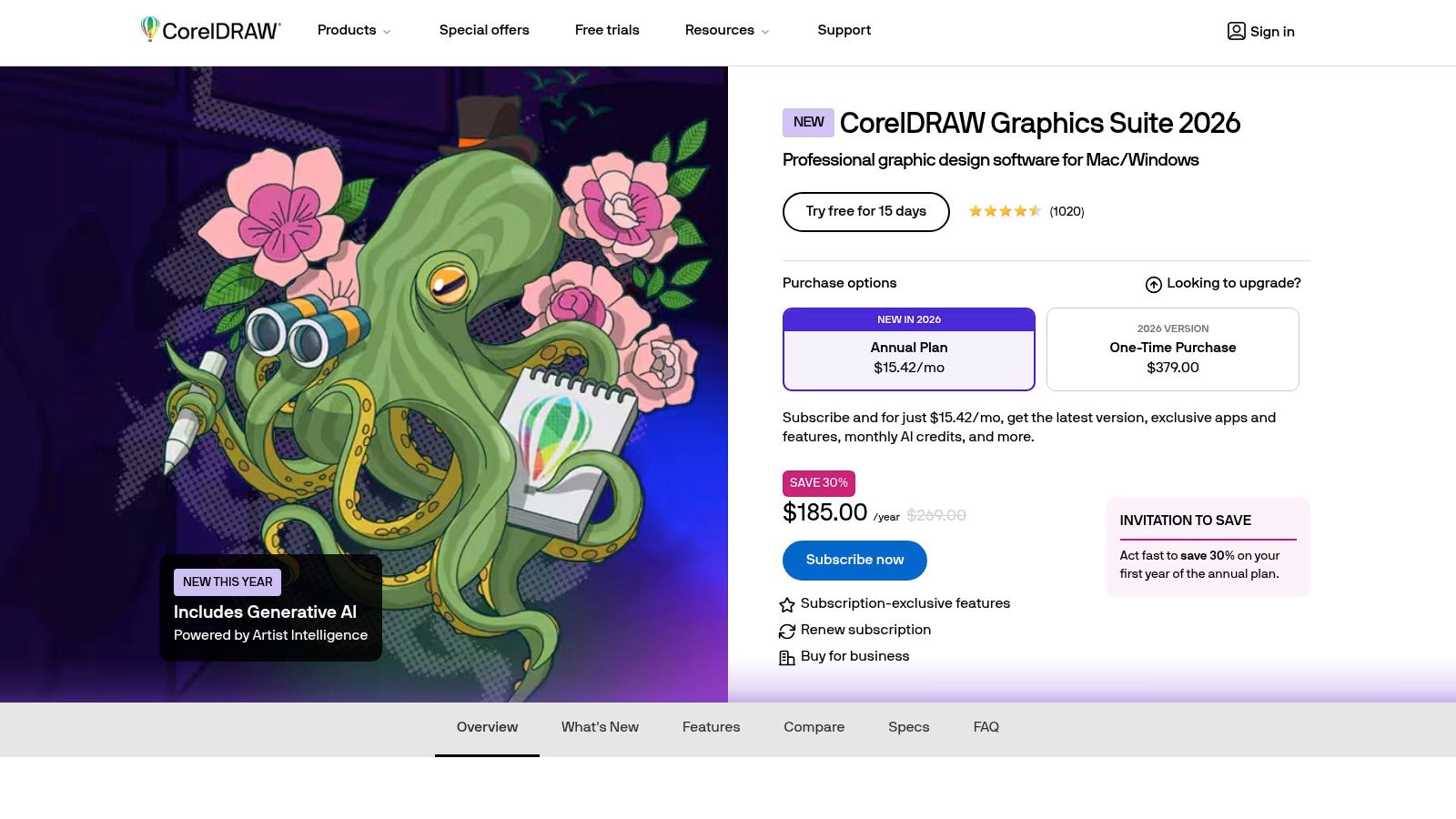
CorelDRAW Graphics Suite sits in a different category from pure layout apps. It combines vector illustration, photo editing, and multi-page document capabilities in one broader creative package. That can be a smart buy for businesses that don’t want separate tools for every design task.
This is often a better fit for firms producing a mix of branded documents, signage, marketing graphics, diagrams, and visual sales assets. If layout is only one part of your workflow, the suite approach can be more efficient than buying a specialized publishing app plus separate design software.
When the suite approach pays off
CorelDRAW makes sense when the same person or team handles both layout and graphics. A marketing lead might build a leave-behind, adjust vector assets, and prepare print-ready output without switching ecosystems.
The trade-off is focus. If your company only needs document layout, CorelDRAW may feel broader than necessary. You’re paying attention to a suite because you need versatility, not because it’s the cleanest publishing-only replacement.
Buy CorelDRAW when you need a multi-tool. Don’t buy it if all you need is a stapler.
Public references and vendor materials indicate both subscription and perpetual purchase paths have existed, which can matter for budgeting and software policy. Still, pricing structures can change, so this is one to confirm during procurement. The official product page is CorelDRAW Graphics Suite.
9. Xara Page & Layout Designer
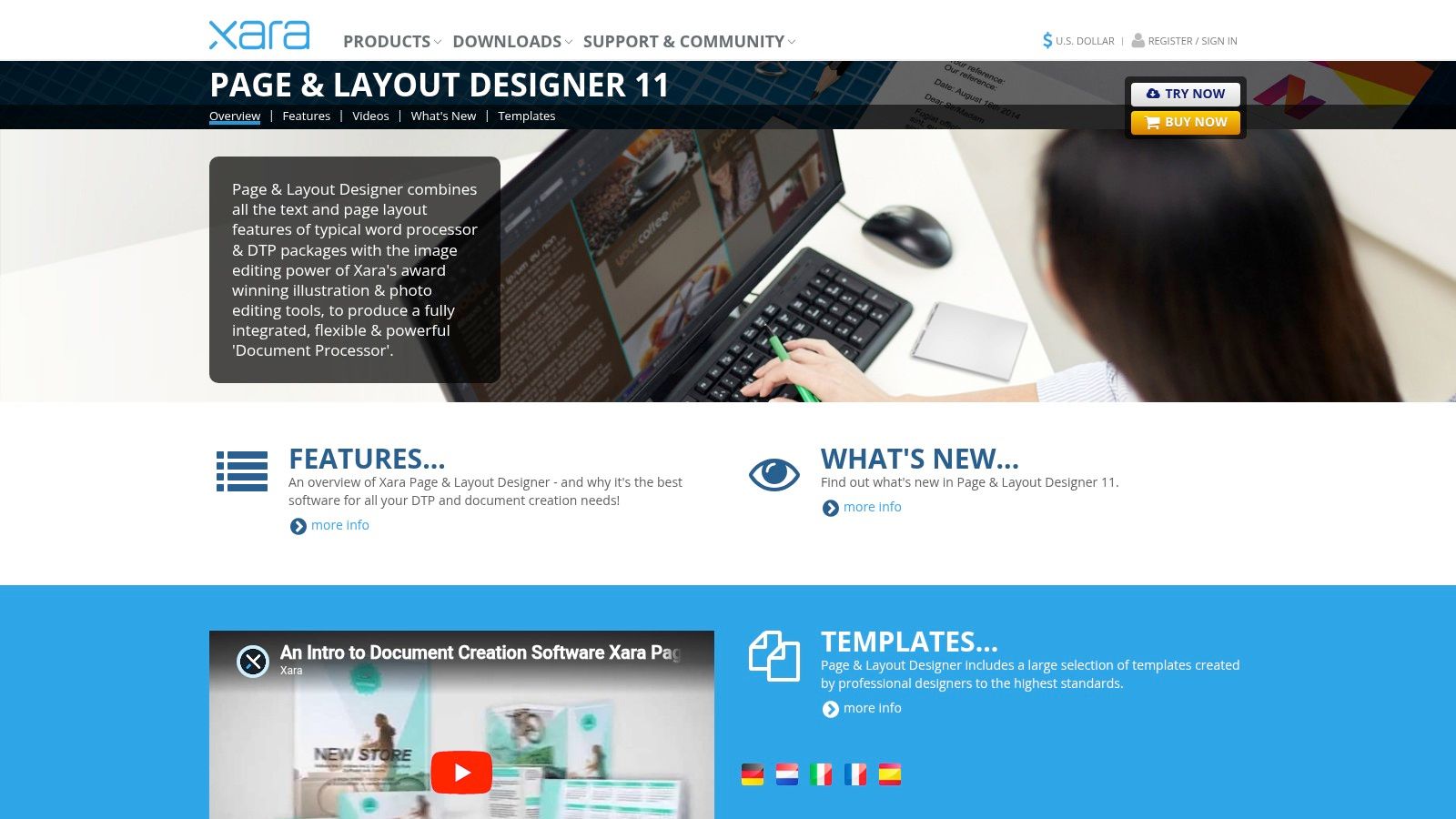
Xara Page & Layout Designer is a Windows-first option that blends page layout with built-in vector and photo editing. It’s a good example of a tool that can be more useful in a real business than in design forums, because many business teams care more about speed and convenience than category purity.
For flyers, catalogs, sales sheets, brochures, and basic marketing documents, Xara can cover a lot of ground without asking users to piece together multiple apps.
A sensible fit for Windows-heavy teams
Xara is worth considering if your staff works on modest Windows hardware and needs responsive software that doesn’t feel bloated. Its integrated editing model can simplify production for small in-house teams.
The practical pros are clear:
- Fast on Windows: Useful for lean teams using standard office machines.
- Integrated workflow: Graphics editing and page layout live together.
- Useful output options: PDF import and export, including PDF/X support.
The downsides are mostly about ecosystem and ceiling. Xara has a smaller footprint in many markets, and it doesn’t carry the same vendor, agency, or printer familiarity as Adobe products. It also offers fewer advanced editorial and prepress controls than high-end desktop publishing platforms.
You can look at the product at Xara Page & Layout Designer.
10. Visme
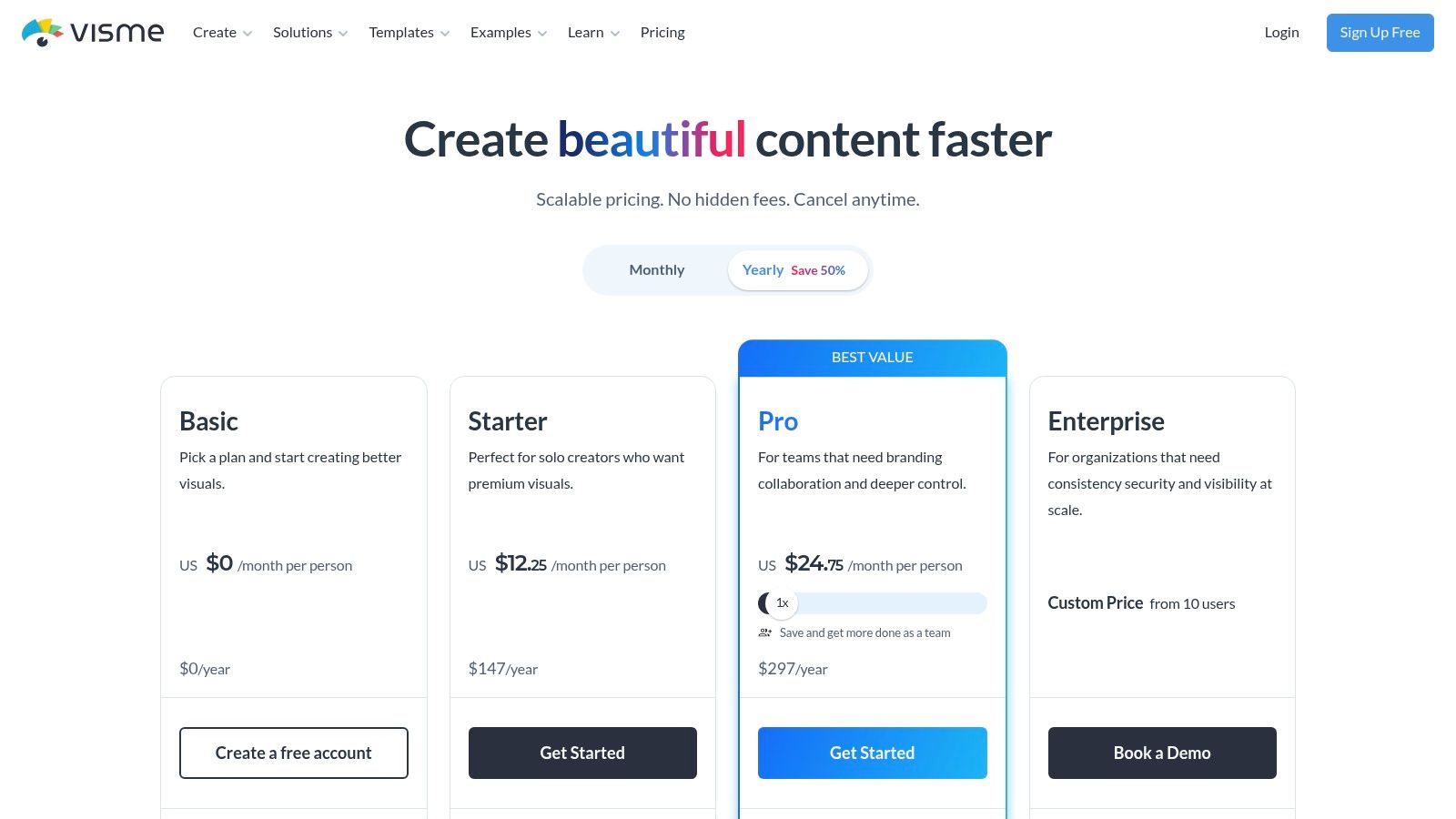
Visme is closest to Canva and Marq in spirit. It’s built for reports, proposals, presentations, infographics, ebooks, and branded content that teams need to create and share quickly. If your company publishes a lot of client-facing documents but doesn’t run a formal print production workflow, Visme can be a very practical tool.
The business appeal is obvious. It shortens production time for common materials without requiring professional design training.
Best for proposal and report workflows
Visme tends to make sense for firms that sell through information. Consultants, agencies, professional services companies, HR firms, and financial services teams often need polished proposals and recurring reports more than they need advanced print controls.
Its strengths include templates, collaboration, brand control features on higher tiers, and multiple export formats. Those are useful when your team is producing documents for client delivery, web embedding, or internal presentation.
Its limitations are equally clear. Visme isn’t a full prepress or editorial platform. You wouldn’t choose it for complex books, magazine-style layouts, or highly controlled press output. You would choose it when your business needs a repeatable way to create persuasive branded materials without turning every document request into a design project.
The platform is available at Visme pricing.
Top 10 Adobe InDesign Alternatives Comparison
| Product | Core features ✨ | UX / Quality ★ | Price / Value 💰 | Target 👥 | Standout 🏆 |
|---|---|---|---|---|---|
| Affinity Publisher (Affinity by Canva) | Advanced layout, IDML import, StudioLink (photo/vector), PDF/X | ★★★★ | 💰 Strong value vs Adobe; verify post-acquisition terms | 👥 Pro designers, agencies, publishers | 🏆 StudioLink + pro typography |
| QuarkXPress | Editorial layout, color management, perpetual & subscription options | ★★★★ | 💰 Perpetual/sub options; contact sales for enterprise pricing | 👥 Book & magazine production teams | 🏆 Mature editorial toolset & perpetual license |
| Scribus | PDF/X prepress, preflight, Python scripting, cross‑platform | ★★★ | 💰 Free (GPL), no licensing cost | 👥 Cost‑conscious teams, Linux users | 🏆 Open‑source prepress capability |
| Marq (formerly Lucidpress) | Brand templates, browser‑based, real‑time collaboration, print exports | ★★★★ | 💰 SaaS tiers, higher tiers unlock advanced controls | 👥 Distributed teams, franchises, marketers | 🏆 Brand governance & templated workflows |
| Canva | Large template/media library, collaboration, print export options | ★★★★★ | 💰 Free + Pro; high speed/value for quick assets | 👥 Non‑designers, small teams, marketers | 🏆 Ease + massive template ecosystem |
| VivaDesigner (Desktop & Web) | Desktop/server/web editions, DB publishing, web‑to‑print, InDesign edit claims | ★★★★ | 💰 Enterprise pricing/quotes; flexible editions | 👥 Enterprise publishers, database‑driven workflows | 🏆 Hybrid desktop+web editing & DB publishing |
| Swift Publisher | Master pages, templates, mail merge, export PDF/TIFF/PNG (macOS) | ★★★★ | 💰 Very affordable one‑time license (~$19.99) | 👥 Solo Mac users, small teams | 🏆 Low‑cost, simple macOS DTP |
| CorelDRAW Graphics Suite | Vector + photo + layout, multi‑page, cross‑platform, web app | ★★★★ | 💰 Subscription & perpetual options; suite value | 👥 Teams needing illustration + layout | 🏆 All‑in‑one creative suite |
| Xara Page & Layout Designer | Page layout + integrated vector/photo editing, PDF/X, templates | ★★★★ | 💰 Cost‑effective; one‑time or subscription paths | 👥 Windows users, SMEs | 🏆 Fast, responsive integrated editing |
| Visme | Templates for reports/infographics, team features, exports to web/PDF/video | ★★★ | 💰 SaaS tiers; business plans for teams | 👥 Marketers, content teams, presenters | 🏆 Business‑focused templates & web outputs |
Integrating Design Tools into Your Operational Workflow
Choosing an Adobe InDesign alternative is a budgeting decision, a workflow decision, and a risk decision. That’s why the wrong comparison framework trips up so many service businesses. They compare feature lists, pick the cheapest option, and then discover that the true cost sits in revision cycles, staff confusion, broken imports, inconsistent branding, or extra cleanup before a file reaches a client or vendor.
For most service firms, there are really three categories here. First, there are professional layout tools like Affinity Publisher and QuarkXPress. These make sense when document quality, long-form layout control, and production reliability matter. Second, there are governed collaboration tools like Marq, Canva, and Visme. These are often the better operational fit when non-designers need to create branded materials quickly. Third, there are niche or value-oriented options like Scribus, Swift Publisher, VivaDesigner, Xara, and CorelDRAW, each of which becomes attractive in the right environment.
The financial part is straightforward. Software that no one uses well is expensive, even when the sticker price looks low. Software that cuts review loops, speeds up proposal turnaround, and reduces outside design dependency can pay for itself quickly, even if it isn’t the cheapest line item in your stack. Business owners should look at labor friction as closely as license cost.
I’d also separate solo efficiency from team efficiency. A founder may love a tool that gives them direct control over layout. That doesn’t mean a sales team, account team, or operations staff can use it without creating bottlenecks. If several people touch the same proposal, report, or client deck, collaboration rules, template governance, and export consistency often matter more than advanced design power.
That’s why handoff risk deserves more attention than it gets. A tool can be perfect for creating a polished PDF and still be a poor choice if your printer, agency partner, or client-side marketing team can’t work with the files cleanly. Before rolling out any platform, test a real document. Import an old file if migration matters. Export a print-ready version if vendors are involved. Ask who edits the file, who approves it, and what format the final recipient needs.
The best Adobe InDesign alternative for your business depends on what you sell and how your team works. Agencies producing high-touch brand documents may lean toward Affinity Publisher or QuarkXPress. Multi-location service businesses may get more ROI from Marq or Canva. Consultants and proposal-heavy firms may find Visme gives them the fastest path to consistent output. Cost matters, but operating fit matters more.
That’s the lens we use at Steingard Financial with software decisions in general. A good tool doesn’t just save money on paper. It reduces waste, supports the people doing the work, and helps the business scale without adding avoidable overhead.
If you’re evaluating software through the lens of operating efficiency, budgeting, and team workflow, Steingard Financial can help. We work with service businesses that need cleaner systems, better reporting, and smarter back-office decisions, so software choices support growth instead of creating hidden administrative cost.